
PLAY WITH FRIENDS
SERIOUS SAMTSE
The Second Encounter with friends on Android.
Bring your friends
Create a room or open a friend’s invitation.
Download game ↗Install the game before joining a room.
FROM INSTALLATION TO MATCH
How to play with friends
- 01
Setup
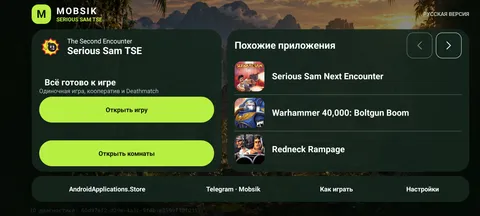
- Install the APK on both devices. Android 9 or later and ARM64 are required.
- Game files are included in the APK. On first launch, wait for automatic extraction and verification.
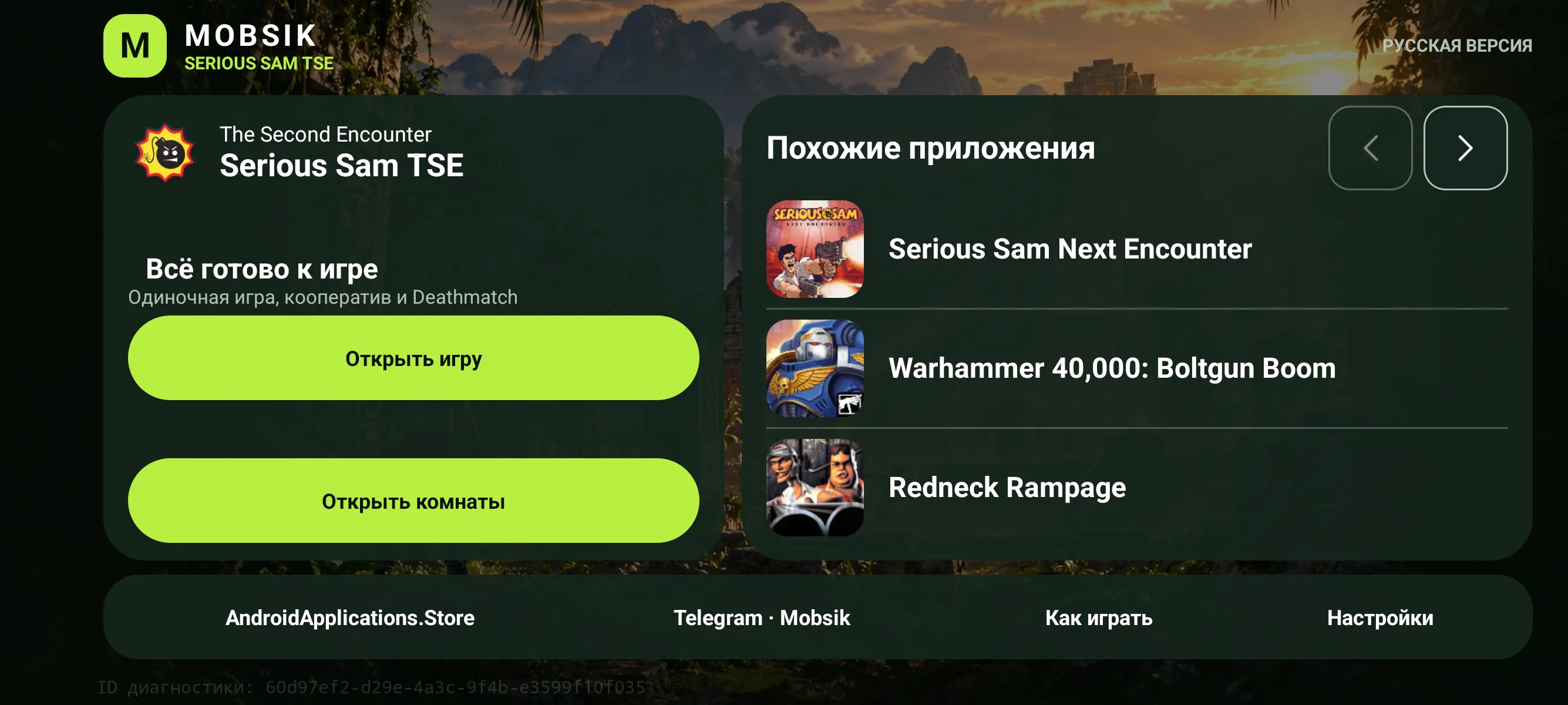
- Choose Russian or English in the launcher. Launch buttons become available after the seven-second introduction.
- 02
Wi-Fi game
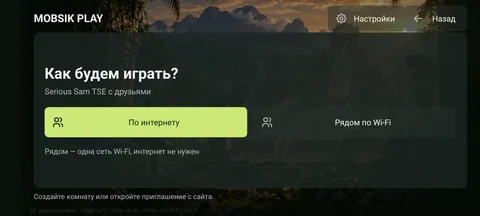
- Connect both phones to the same Wi-Fi network or one phone’s hotspot. LAN play does not require Internet access.
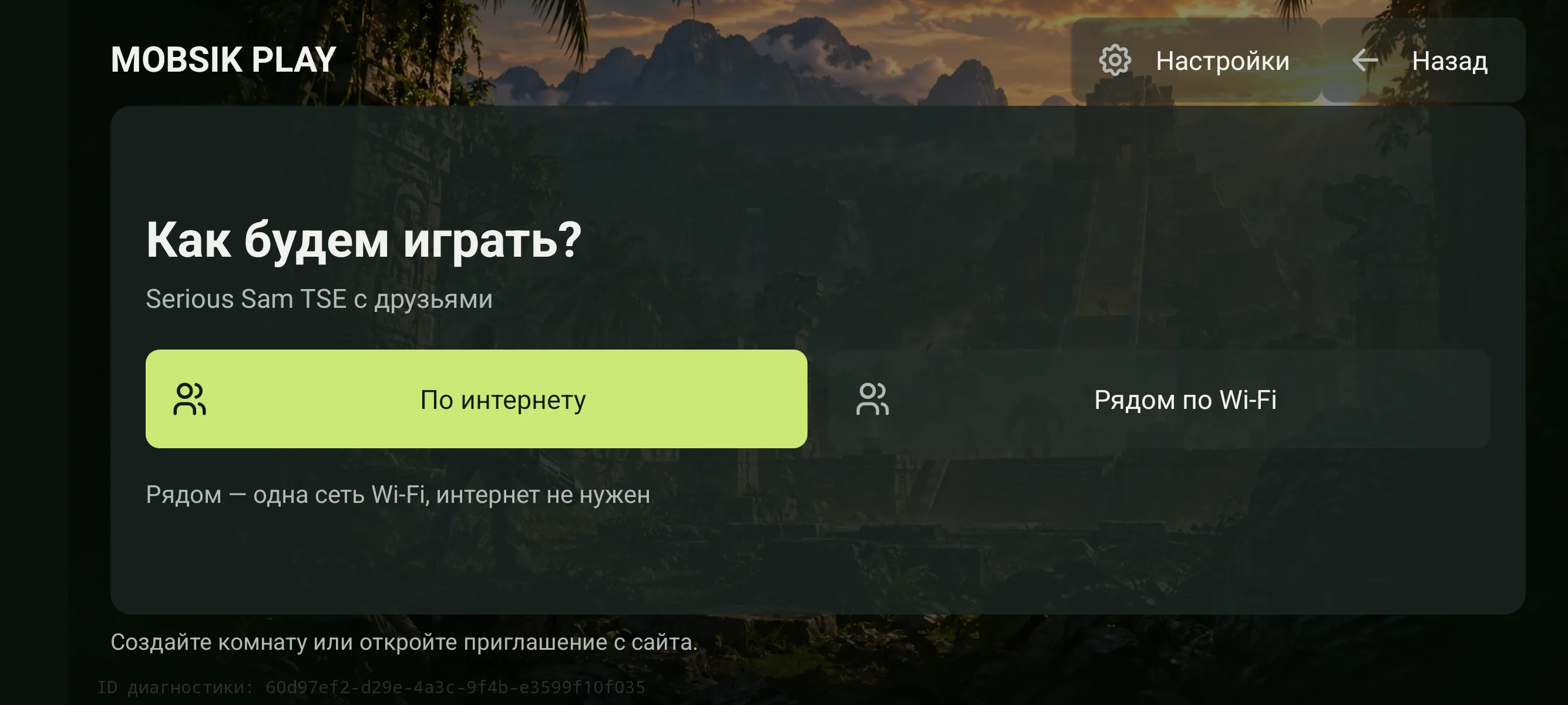
- Host: choose “Open rooms” → “Nearby over Wi-Fi” → “Create room”. Select co-op or Deathmatch, set the player limit and launch the map.
- Guest: choose “Open rooms” → “Nearby over Wi-Fi” → “Enter address”. Enter the address shown on the host phone. The game uses port 25600.
- 03
Internet rooms
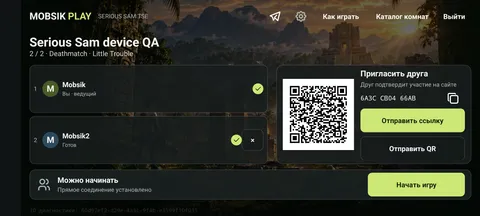
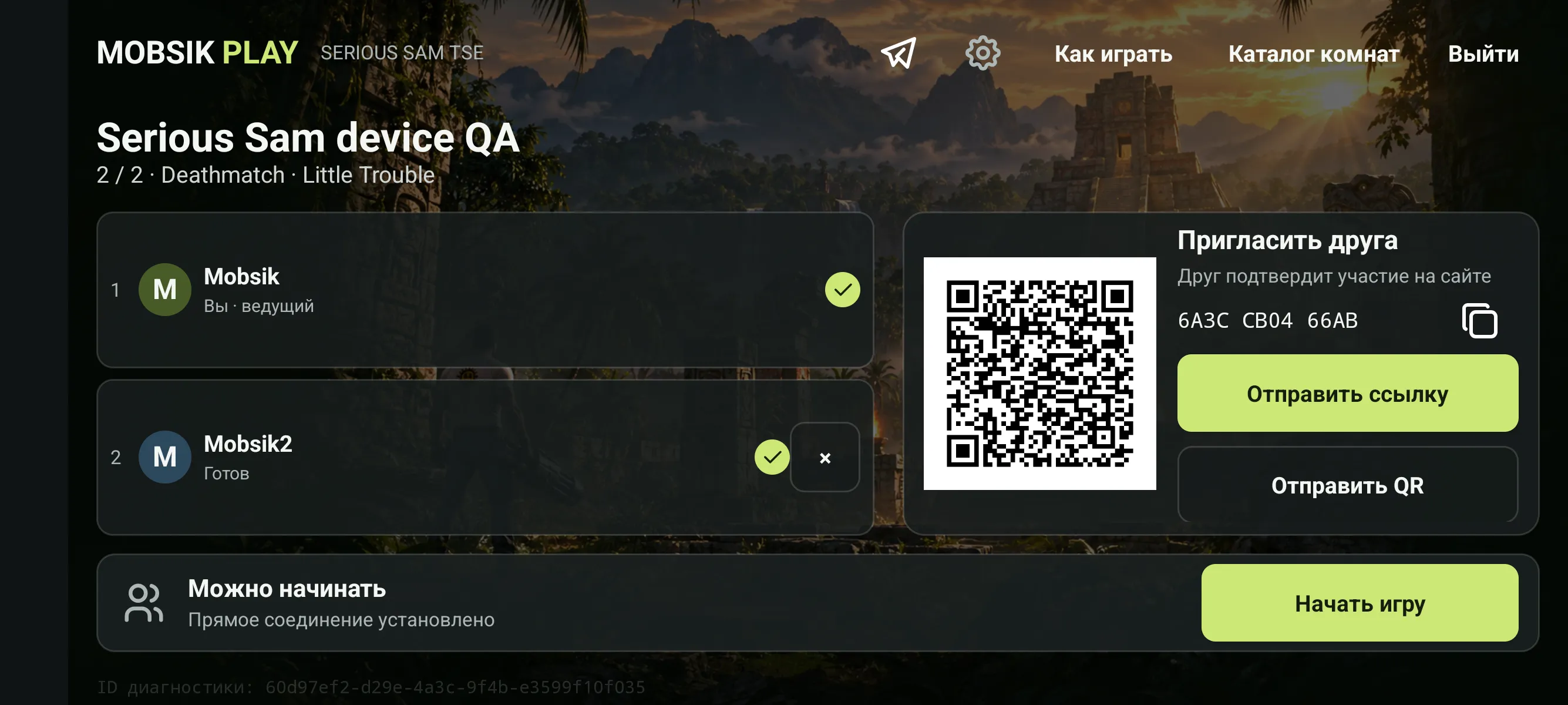
- The host creates a room on the website: map, 2–8 seats, public or private access. Share a private room password separately with friends.
- Each player chooses a unique nickname and opens the app from the room page. Entry links are single-use; get a fresh link on the same page if one expires.
- Once two players are ready, the host taps “Start match” in the app. The host can finish the match or remove a participant. Results and map voting appear after the match. A majority vote selects the next map; wait for players to become ready again.
Phones connect directly through WebRTC. Some mobile networks and NATs prevent this connection: try another network or LAN. The website handles admission and room state; the phone runs the game server.
- 04
Controls
The floating joystick appears under your finger on the left half; the right half turns the camera. Open Settings → Controls for fixed mode, radius, dead zone and button transparency. Open Settings → Gyroscope for sensitivity, inversion and scoped-only aiming. Gyro stops in menus and in the background.
The Back gesture opens the game menu. In an Internet match, the “Room” button opens participants and match controls.
- 05
Room limit
One IP and browser can keep two rooms active across all MOBSIK PLAY games. Drafts and private rooms count too. Close one of your rooms before creating a third.
- 06
Connection help
Check that both phones have finished preparing the included TSE files. For LAN, check the shared network and host address; disable access-point client isolation. For Internet play, return to the room and repeat admission. Closing the host app ends the game.
Download
Download game on AndroidApplications.Store ↗
The engine is based on Skyrimus’s open Serious-Sam-Android port. GitHub
Everyone ready?
2–8 players · Android · Online play