CampaignOne player · offline
- 01
Prepare game data
Install the MOBSIK PLAY version and let the first launch prepare the game files.
- 02
Start or continue
Choose a new game and difficulty. Continue from your latest save. Progress stays on this phone.
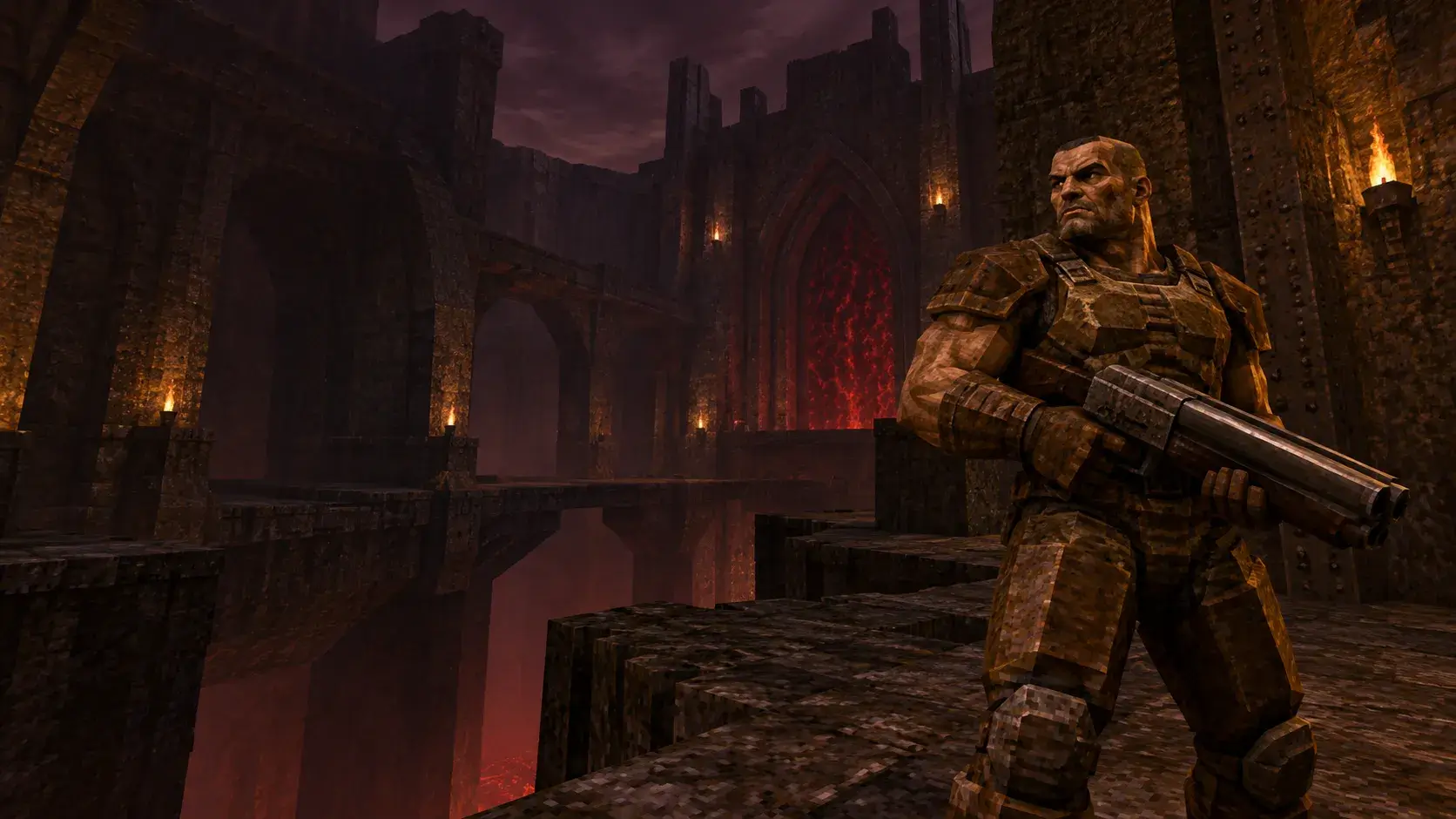
CAMPAIGN & MULTIPLAYER
Step through the portal. Bring your friends to the arena.
Create and join online rooms here on MOBSIK PLAY.
Create roomJoin by invitationGame page ↗Online rooms require the MOBSIK PLAY version of Quake I. The updated launcher is being prepared for release. If your installed game cannot open an invitation, wait for the update on the game page.
QUAKE I · ANDROID
A classic solo campaign and Deathmatch with friends. One phone hosts the network match.
Install the MOBSIK PLAY version and let the first launch prepare the game files.
Choose a new game and difficulty. Continue from your latest save. Progress stays on this phone.
Use one Wi-Fi network or hotspot. Select direct LAN in the game.
The host chooses a map and starts a server. Guests connect to its local address. Direct LAN does not require an Internet room.
The owner selects Create room on this page. Choose the map, capacity and access. Set a password for a private room.
Send friends the room link or QR. The public invitation contains no personal ticket or password.
Open the invitation on MOBSIK PLAY, enter a Latin nickname and the password if required. Confirm entry and open the game. Both owner and guests use this step.
Guests confirm readiness. The owner starts when at least two players are connected and ready. Keep the host’s game open.
Use the same game version and data. A two-phone match was tested on Honor and Xiaomi Mi MIX 2. The 16-seat limit has not been tested on 16 devices.
MOBSIK PLAY allows two active rooms per client across all games. Close an unused room in My room.