01
Install the game
Download the current build from the game page. Allied Assault game files are required; Spearhead and Breakthrough expansion data do not replace the base game.

Android · 2–16 players
Play the campaign or gather friends for a multiplayer match.
Download the current build from the game page. Allied Assault game files are required; Spearhead and Breakthrough expansion data do not replace the base game.
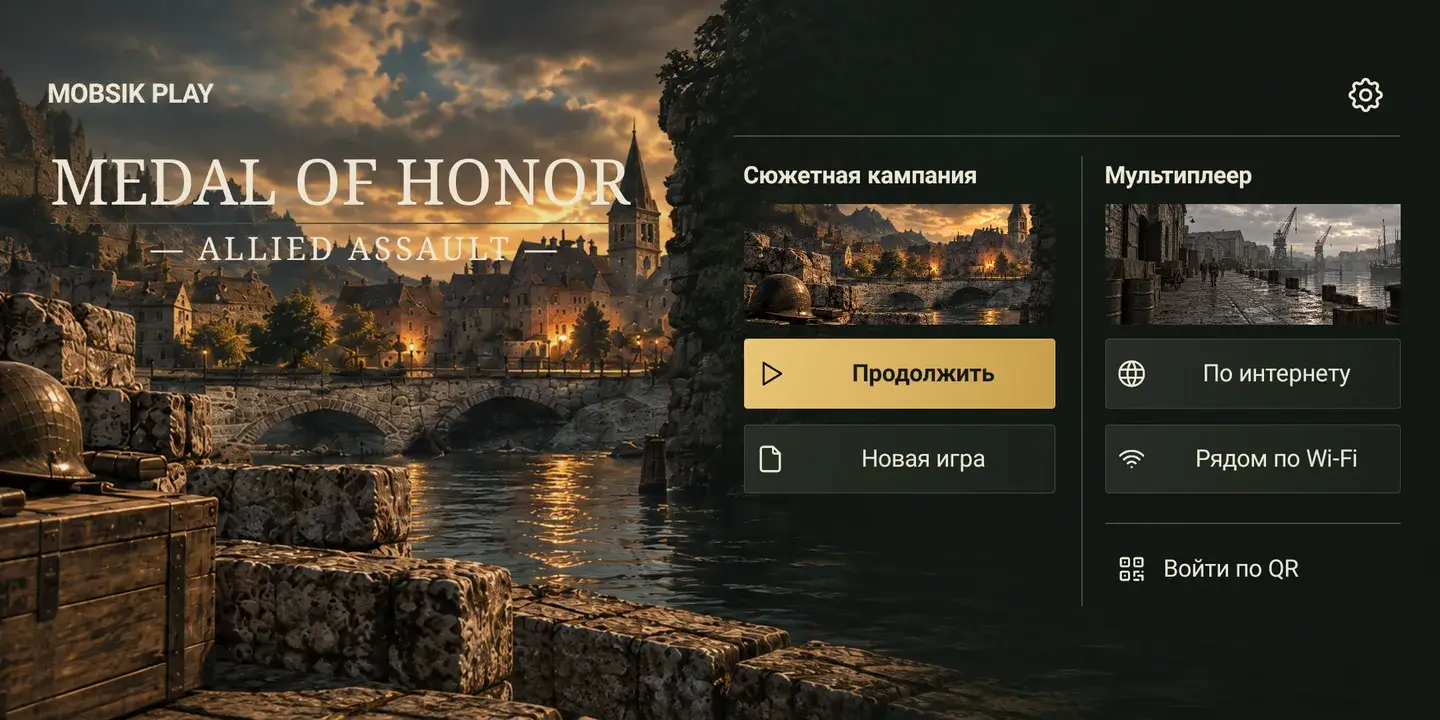
New game starts the campaign; Continue loads a quicksave. For multiplayer choose Online or Nearby via Wi-Fi.
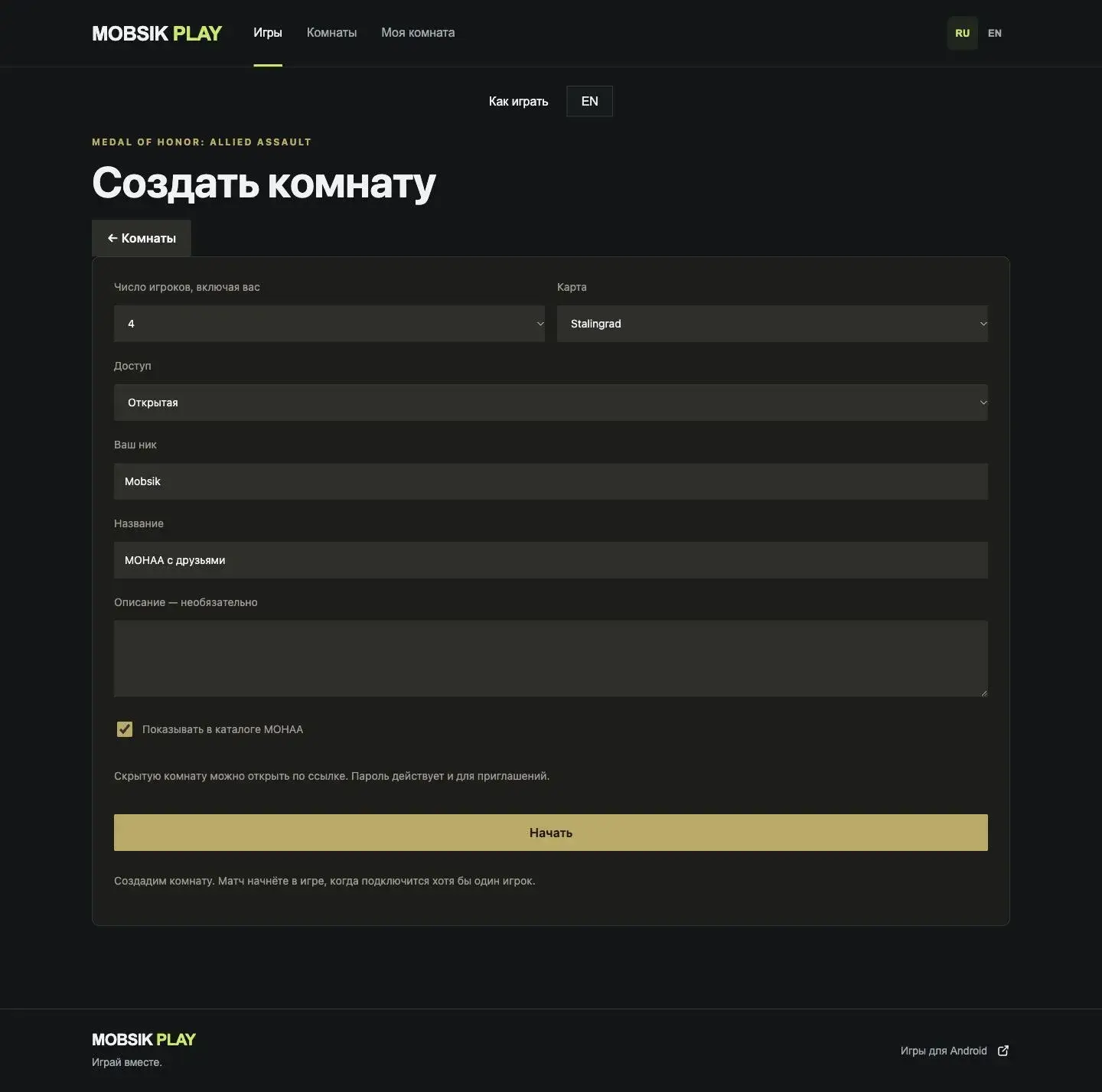
Choose a title, nickname, map and capacity. Use open access or a password. Rooms appear in the MOHAA catalog and in the shared Rooms section.
Confirm your participation and select Open game. Personal entry expires after one minute. If the app does not open, copy your personal link and paste it into the entry menu.
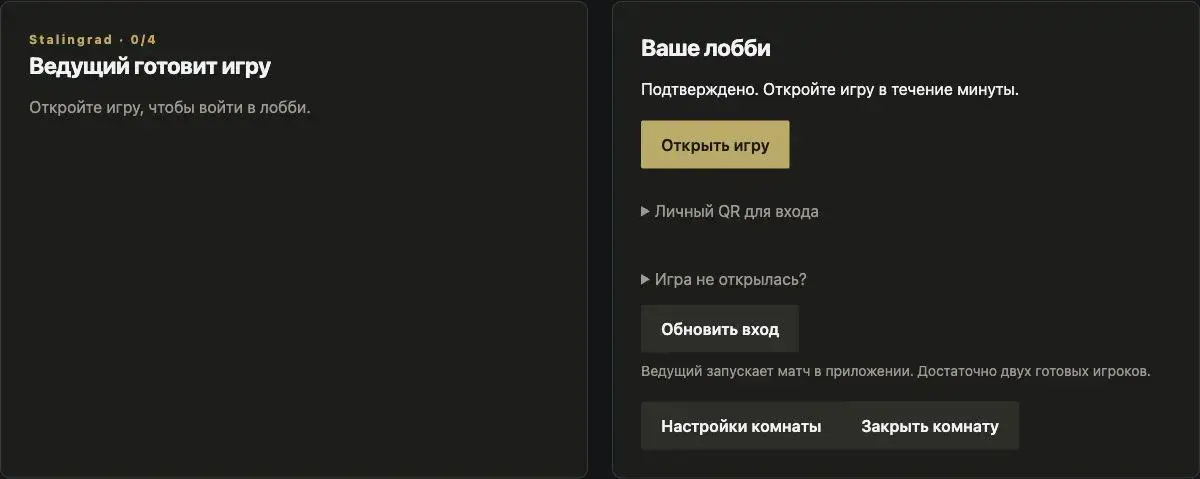
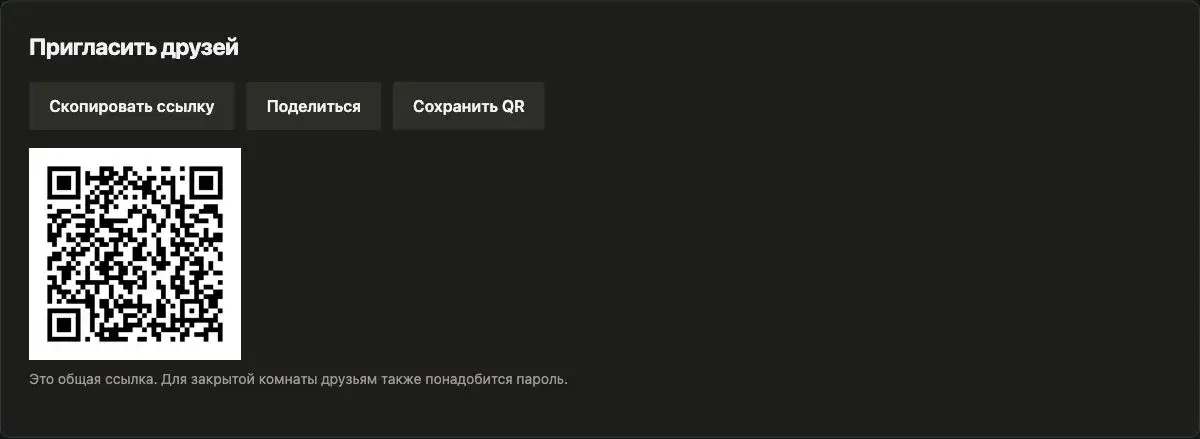
Share the public invitation link or QR. Do not share your personal entry QR. Friends confirm on the website and enter the password for private rooms.
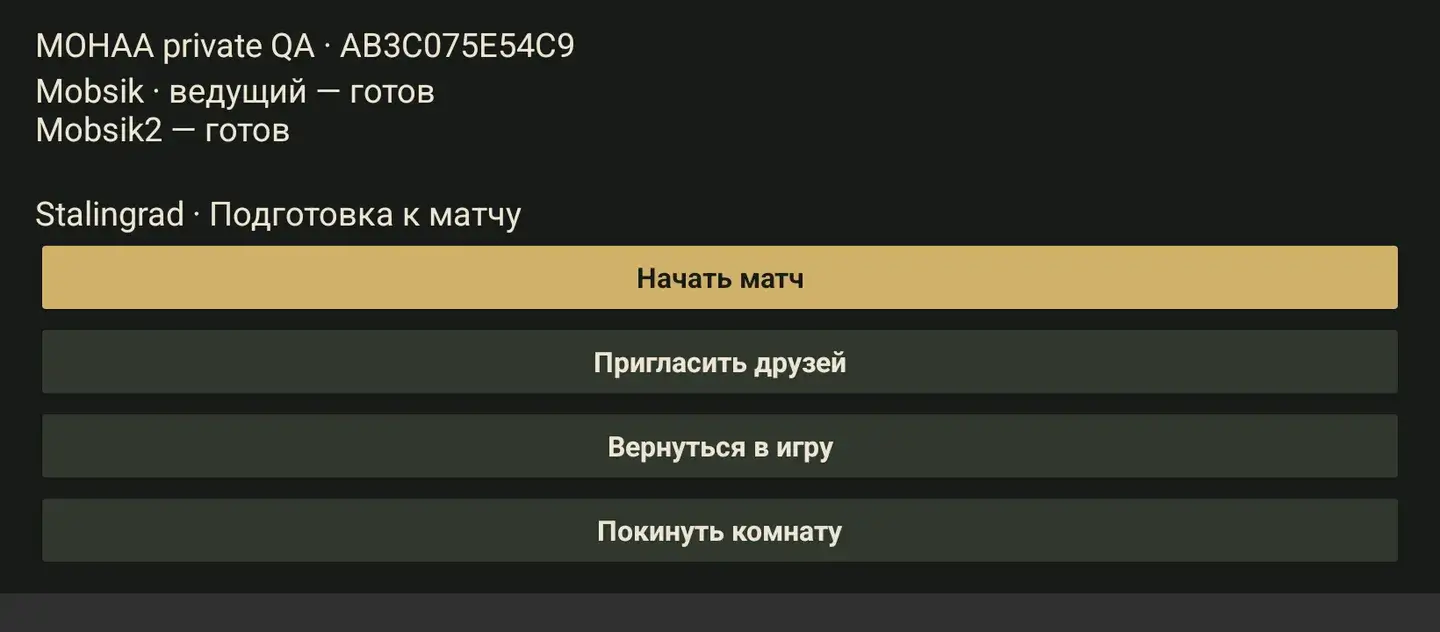
Once the host and at least one guest are ready, the host selects Start match. On first entry, choose a player model or Cancel; confirm the highlighted item with the OK button at the top. The host’s phone runs the game; leaving closes the room. If your network prevents a direct connection, try another network or Wi-Fi.
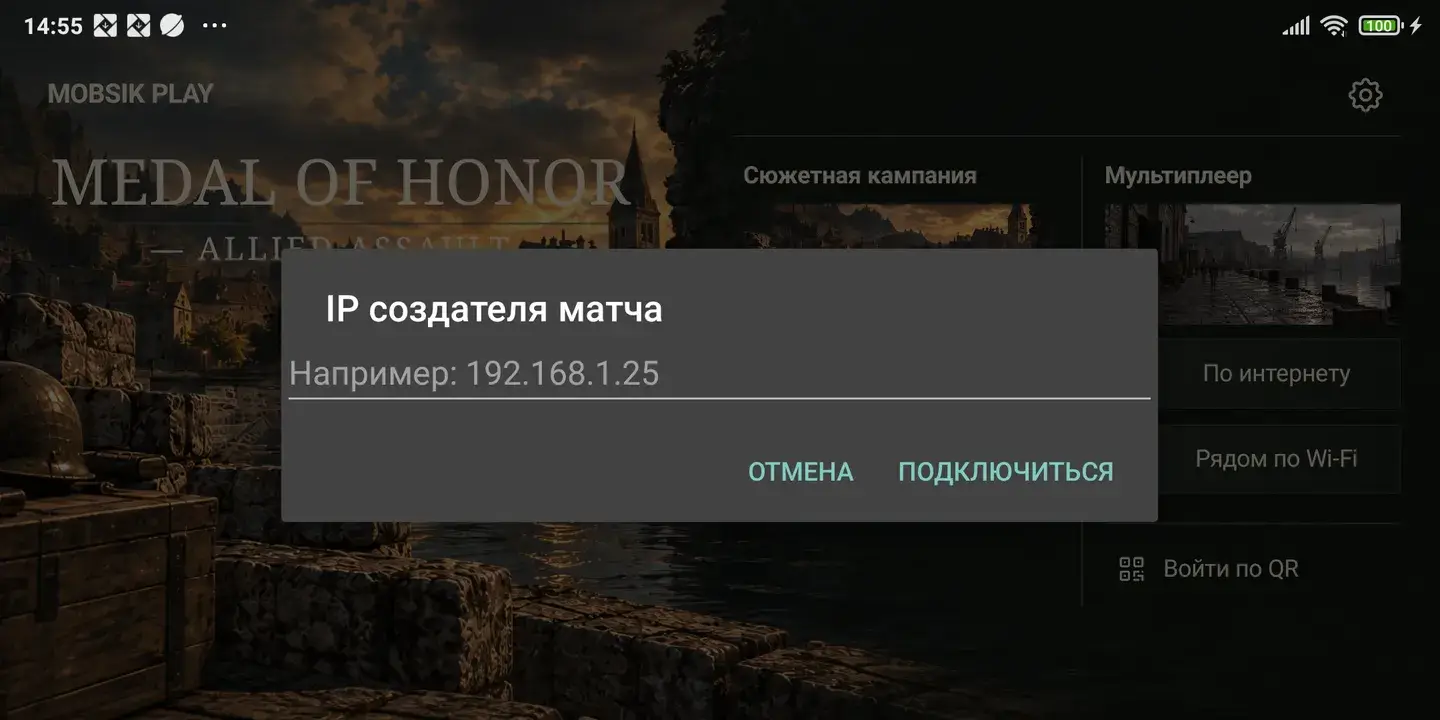
The host selects Nearby via Wi-Fi → Create match. Guests select Join and enter the host’s local IP. Stalingrad supports free-for-all and team play.
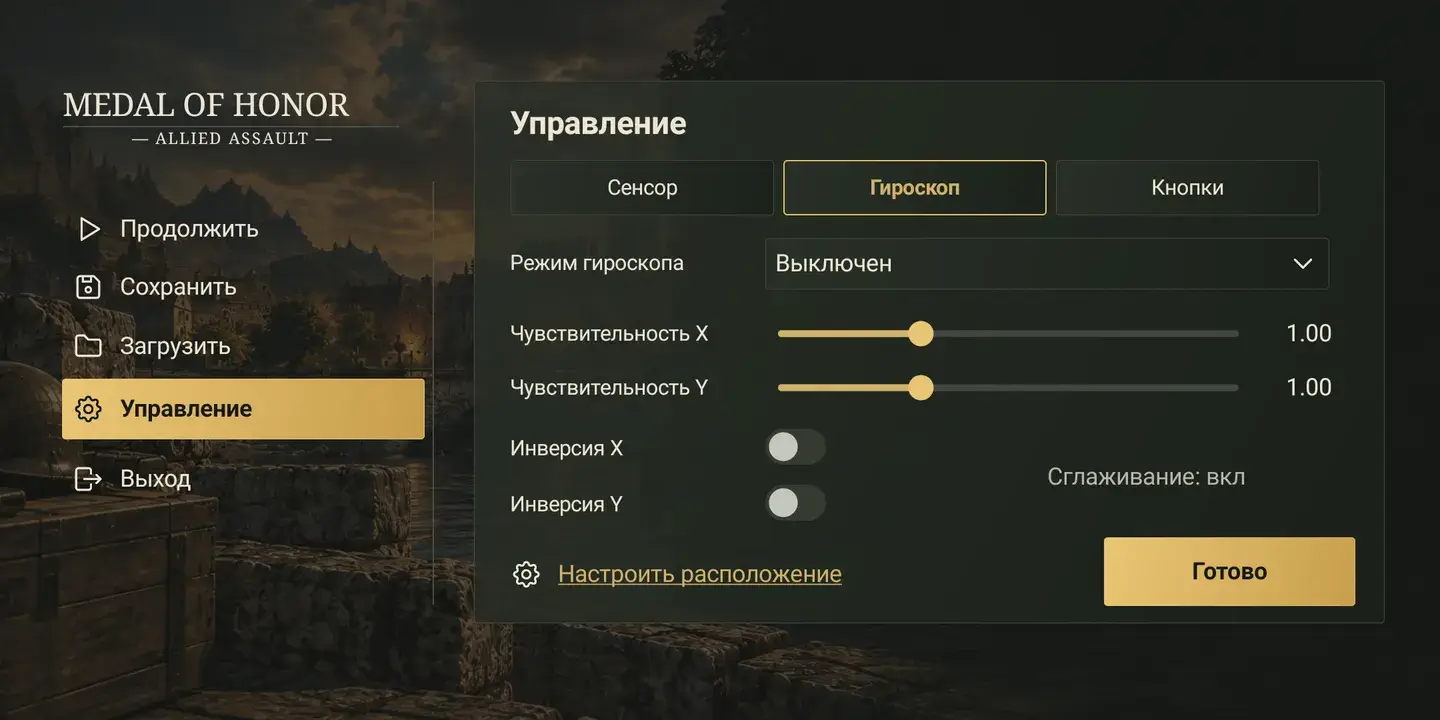
Move with the left stick and look around on the right. Adjust X/Y sensitivity, inversion, gyro mode, button size and opacity in settings. Edit layout lets you move buttons. The game and every menu use landscape orientation.