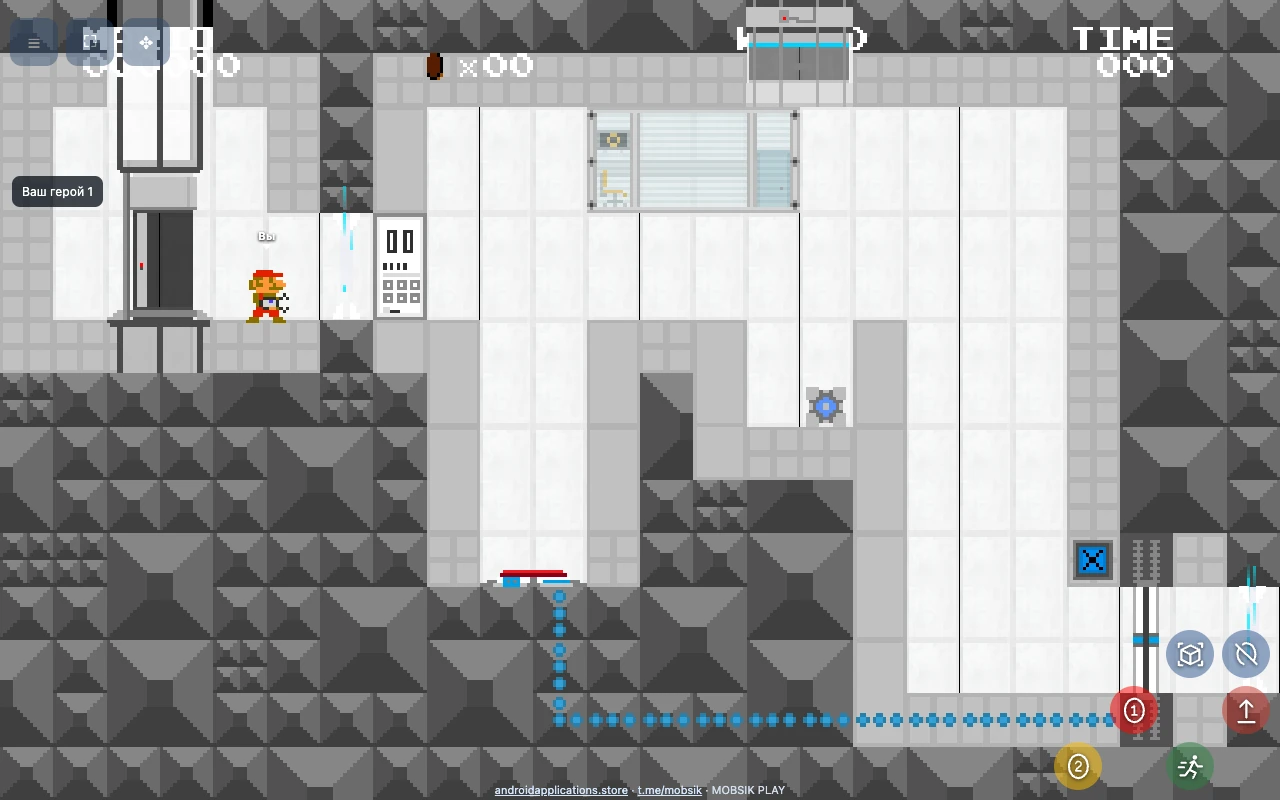
Test chambers
Link surfaces with portals, move cubes onto buttons and open a path to the exit.
Solve puzzles or take a portal gun through classic Mario levels.
Download for Android ↗Choose one in the game menu or when creating a room.
Link surfaces with portals, move cubes onto buttons and open a path to the exit.
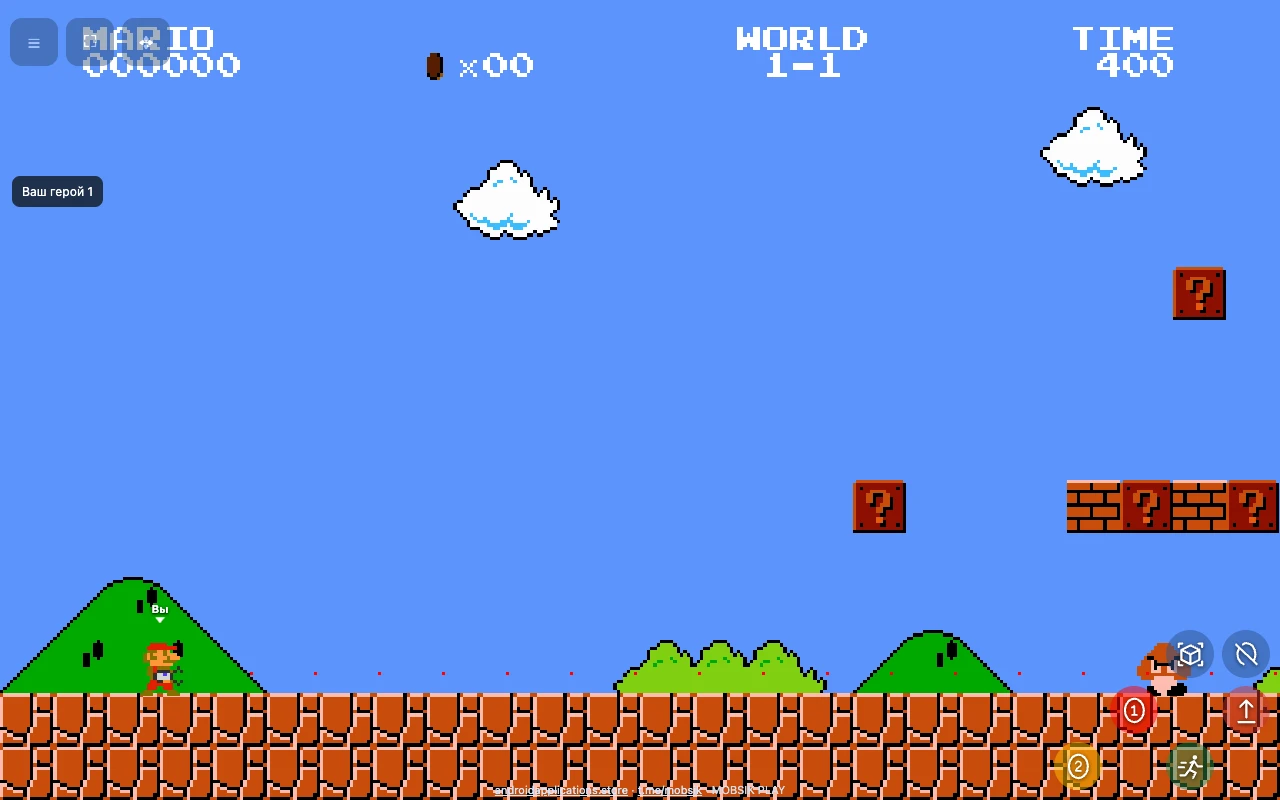
Run to the flag, jump over obstacles and find new routes with the portal gun.
See each campaign, open slots and how to join.
Loading rooms…
Start with two players or invite up to four. Everyone has their own hero and pair of portals.
Choose a campaign and make the room public or invite-only.
Friends open the link on their own devices and join with their nicknames.
Open the game from your room. The host starts the match when the players are ready.
Use the on-screen buttons on your phone and tap the scene to aim.
Yes. Open the browser game and choose a campaign.
Open your friend’s link, enter your nickname and choose browser or Android. Ask the host for the password if the room requires one.
Look for a suitable light surface two blocks wide. The green crosshair confirms it.
Based on Mari0 by Stabyourself.
Create a room and share the link with friends. You can start with two players and invite up to four.
Send this link. Each player opens it on their own device and gets a character when they join with their nickname.