
STORY & MULTIPLAYER
HALF-LIFE
The story campaign and multiplayer with friends.
Get your friends together
Create a room or open a friend’s invitation.
Download the game ↗Install the game before joining a room.
Half-Life rooms
HALF-LIFE
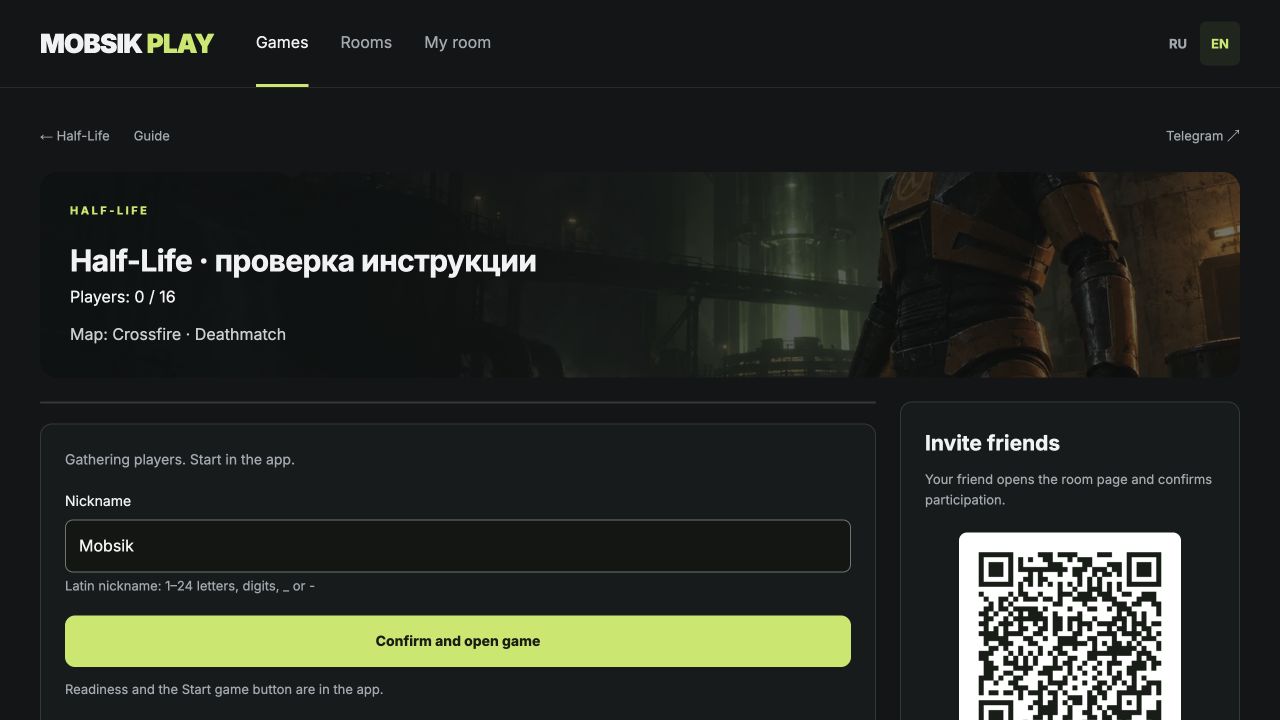
Install Half-Life, return to this page and choose “Confirm and open game”. Your invitation is saved. Download game
Readiness and the Start game button are in the app.
Room settings
HALF LIFE · ANDROID
How to play
This app includes the single-player Half-Life campaign. Wi-Fi and online play use Deathmatch: free-for-all. The campaign does not support co-op.
Install the same version on every phone. On first launch, wait for the game files to finish preparing.
Download Half Life ↗The story campaign and two ways to play with friends.
Story campaignOne player · offline
- 01
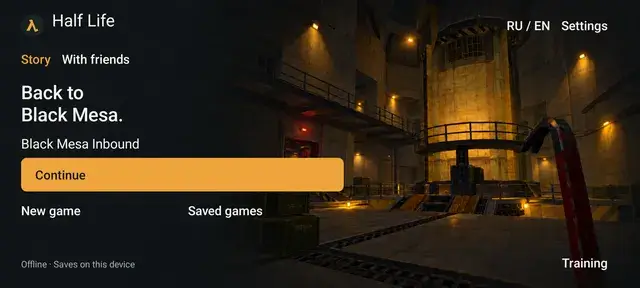
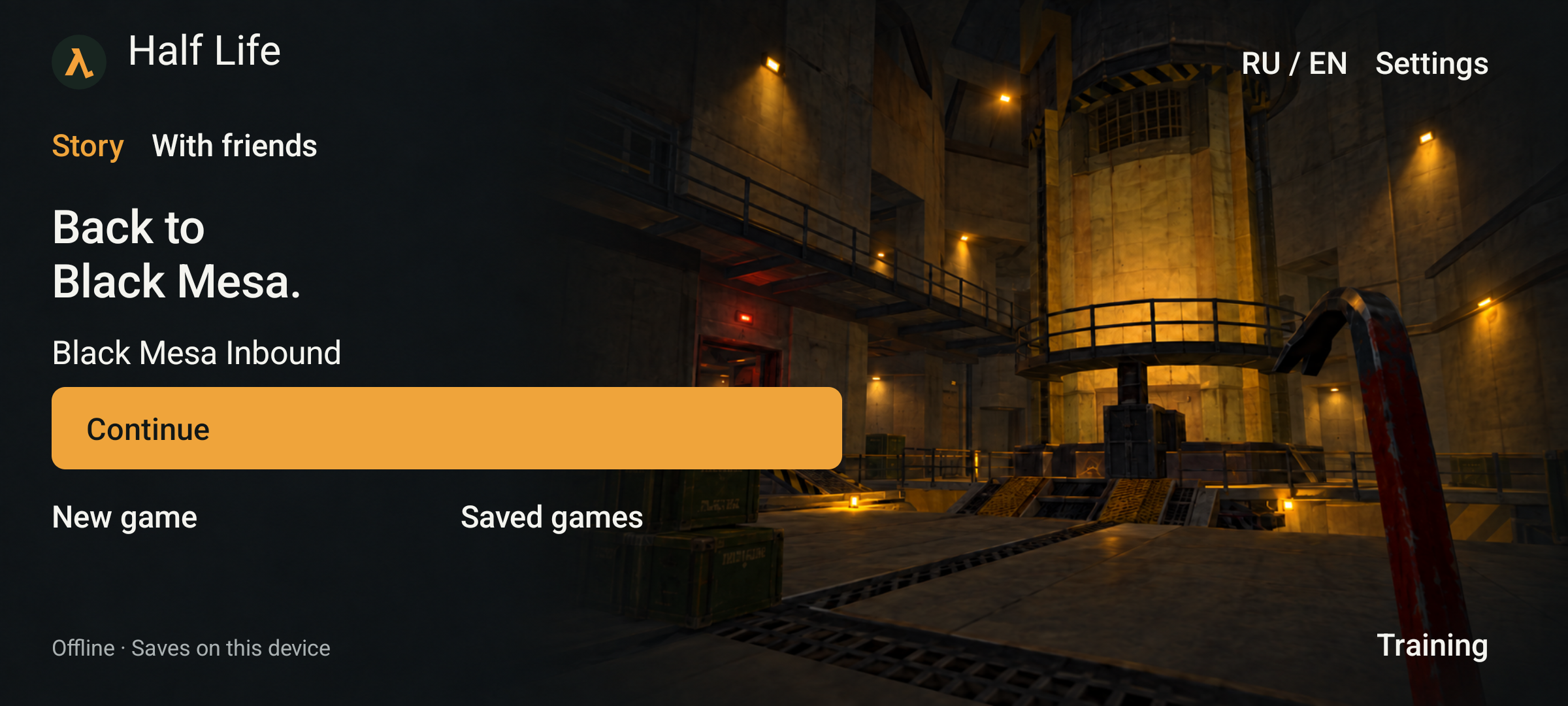
Open New game
In Half Life, choose Story → New game.
 Enlarge screenshot ↗
 - 02
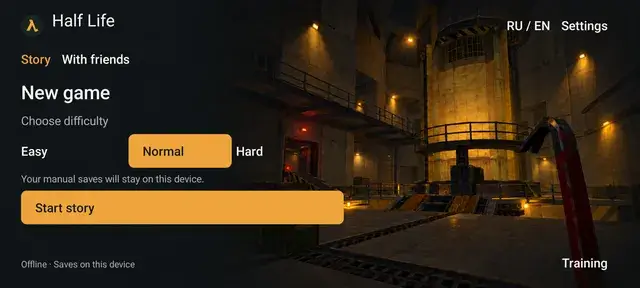
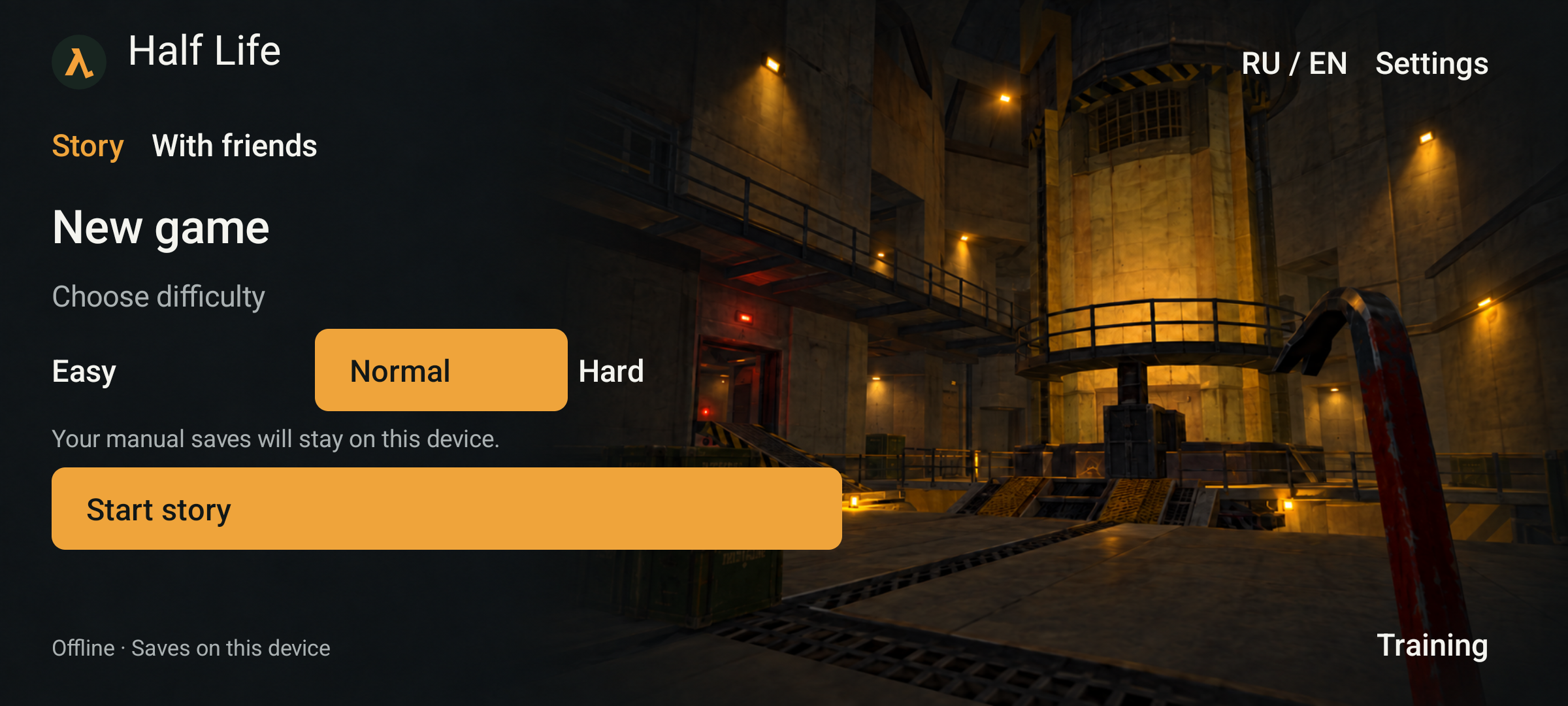
Choose your difficulty
Choose Easy, Normal or Hard, then tap Start story.
 Enlarge screenshot ↗
 - 03
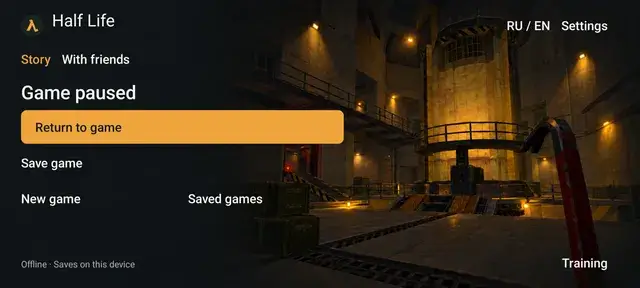
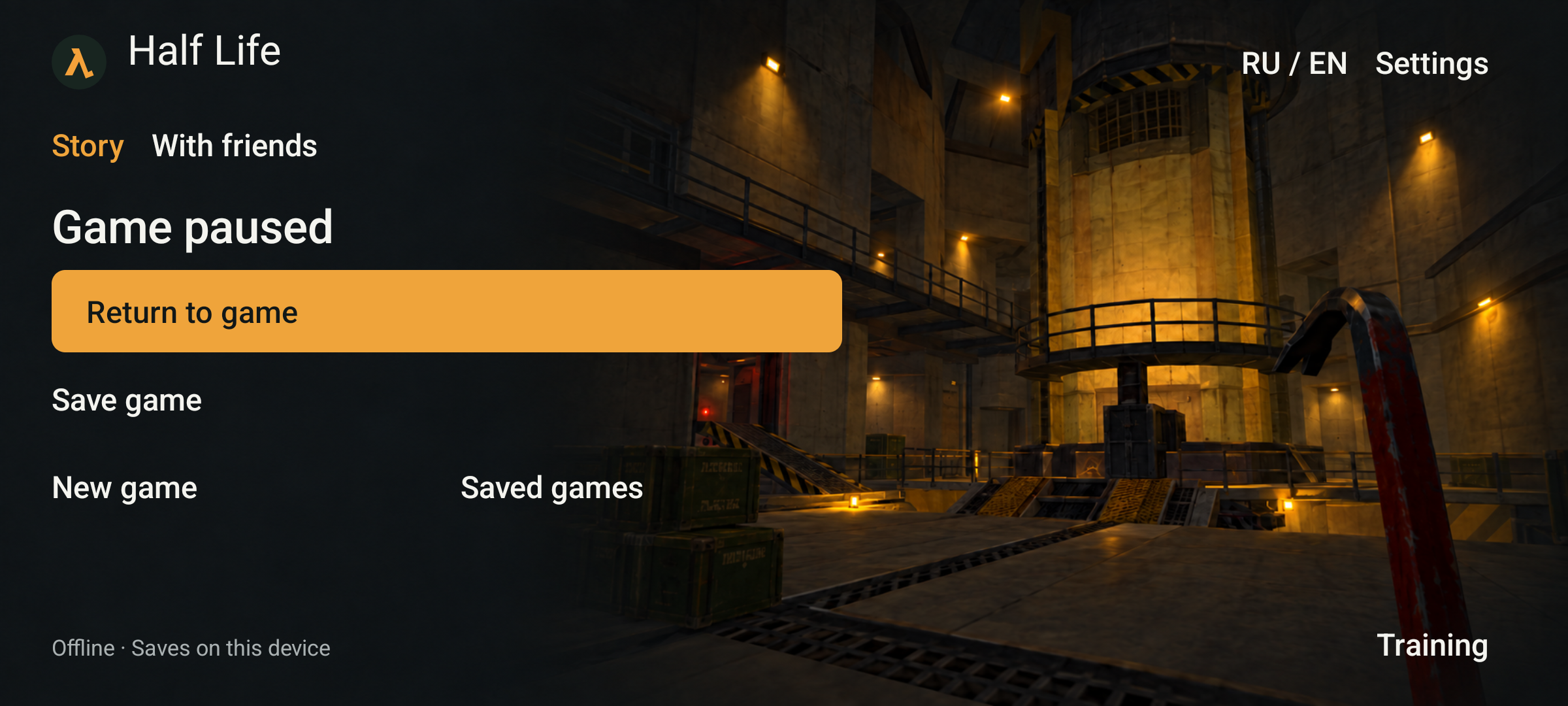
Save your progress
Press Android Back, then Save game. Wait for “Game saved”.
 Enlarge screenshot ↗
 - 04
Continue later
Next time you open the app, tap Continue to load your latest save.
Enlarge screenshot ↗ - 05
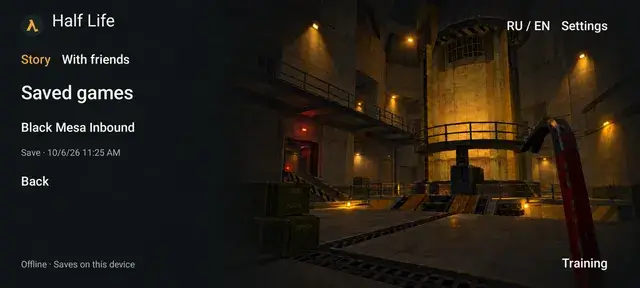
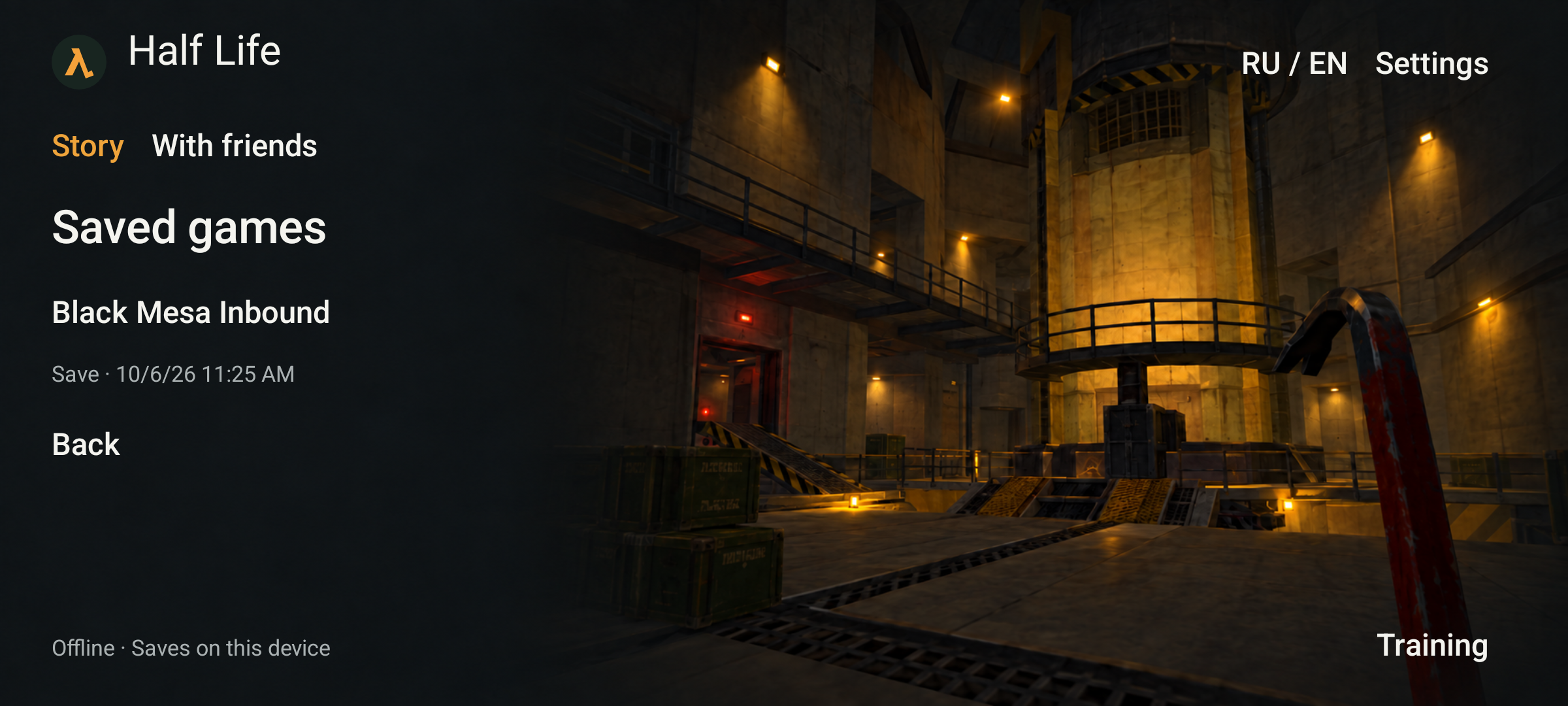
Load an earlier save
Open Saved games and select an entry by its date and time.
 Enlarge screenshot ↗
Local Wi-Fi2–8 players · Deathmatch
- 01
Open multiplayer
On the main screen, tap With friends.
Enlarge screenshot ↗ - 02
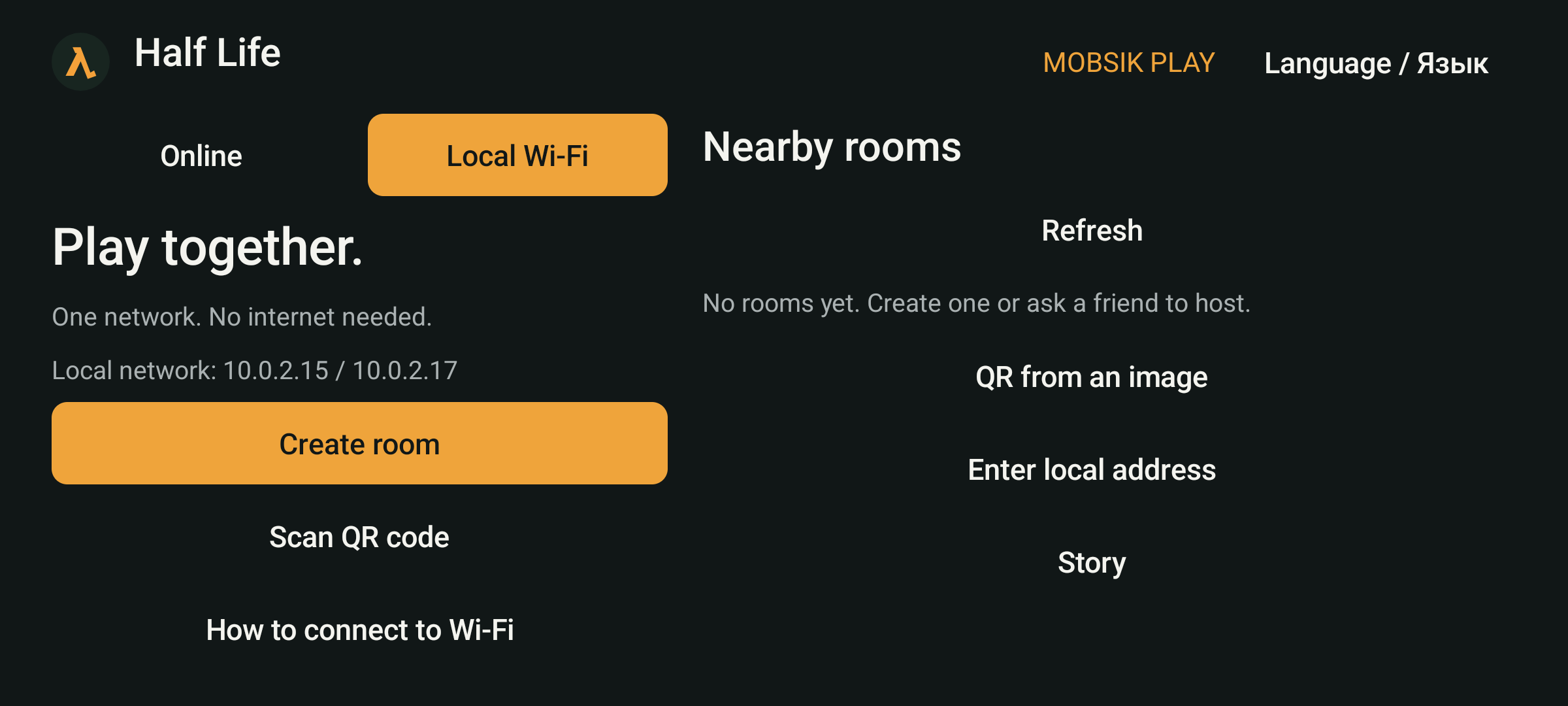
Choose Local Wi-Fi
Use this mode when everyone is nearby on the same network. One phone hosts the game.
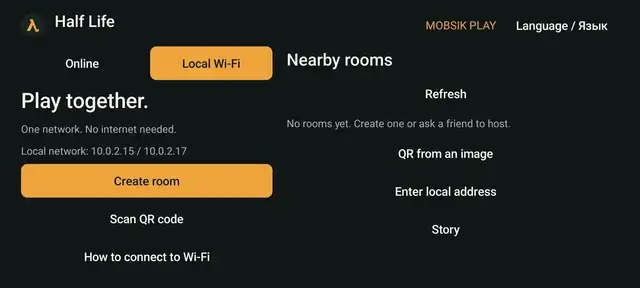 Enlarge screenshot ↗
 - 03
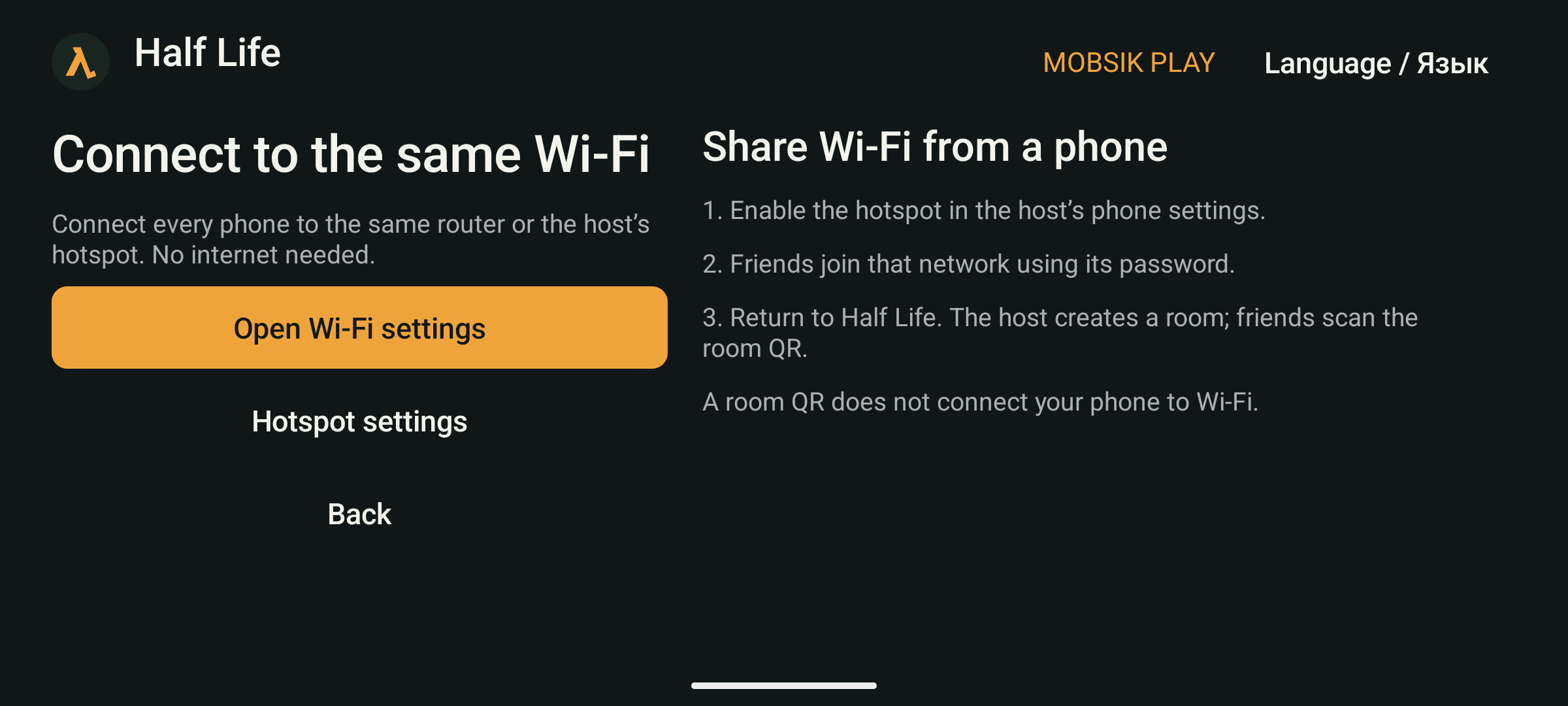
Join the same network
Connect every phone to one router. Or the host enables a hotspot in phone settings and friends join it. No internet is needed.
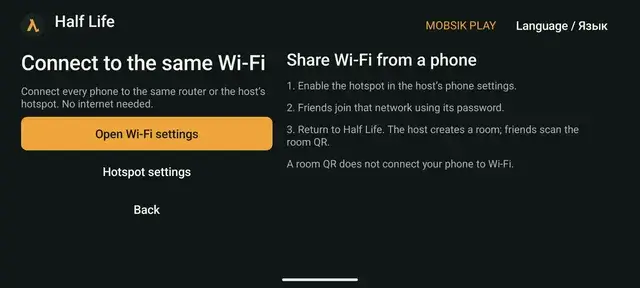 Enlarge screenshot ↗
 - 04
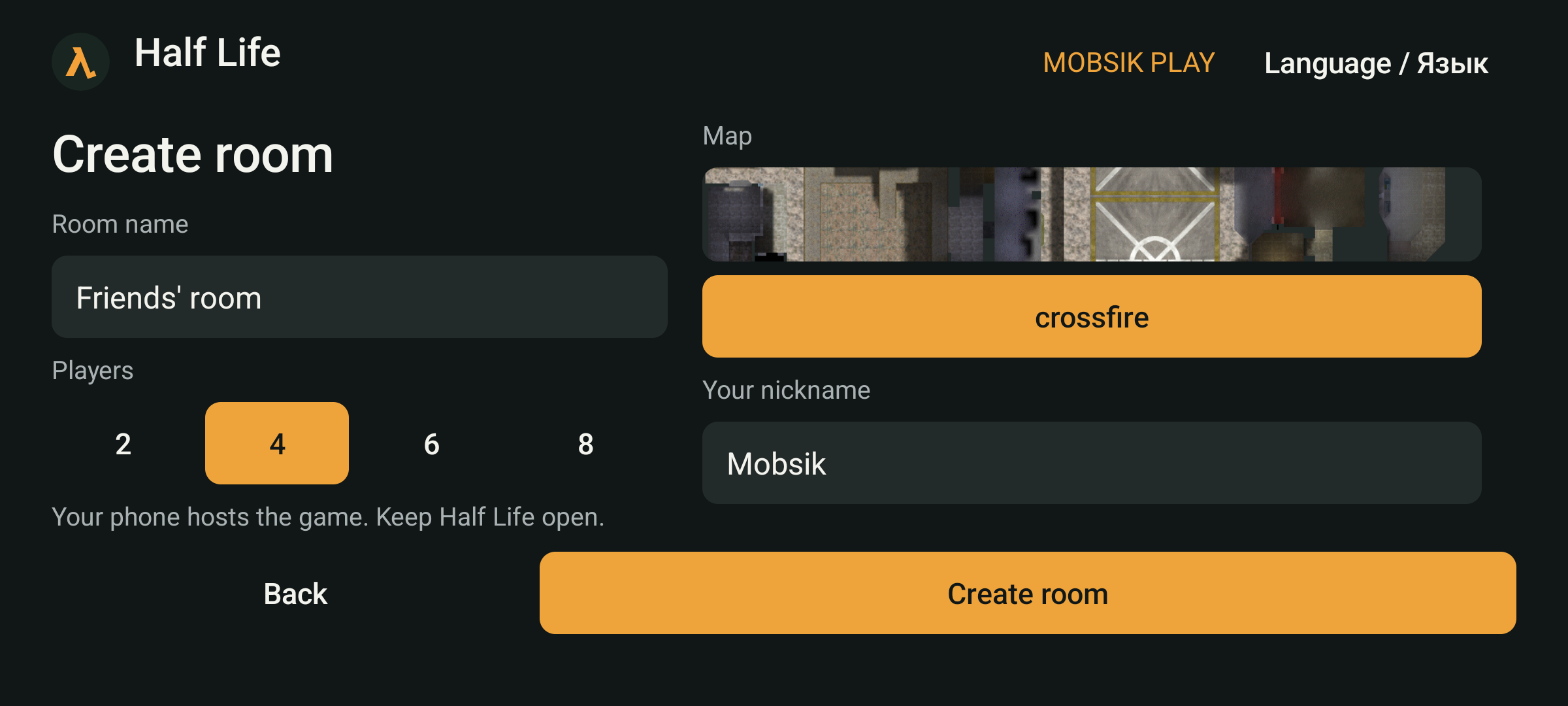
The host creates a room
Tap Create room. Choose a room name, player limit and map, enter your nickname, then create it.
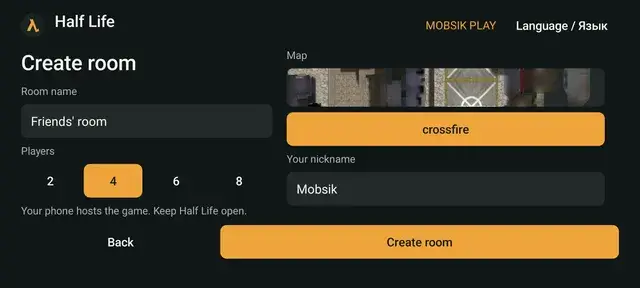 Enlarge screenshot ↗
 - 05
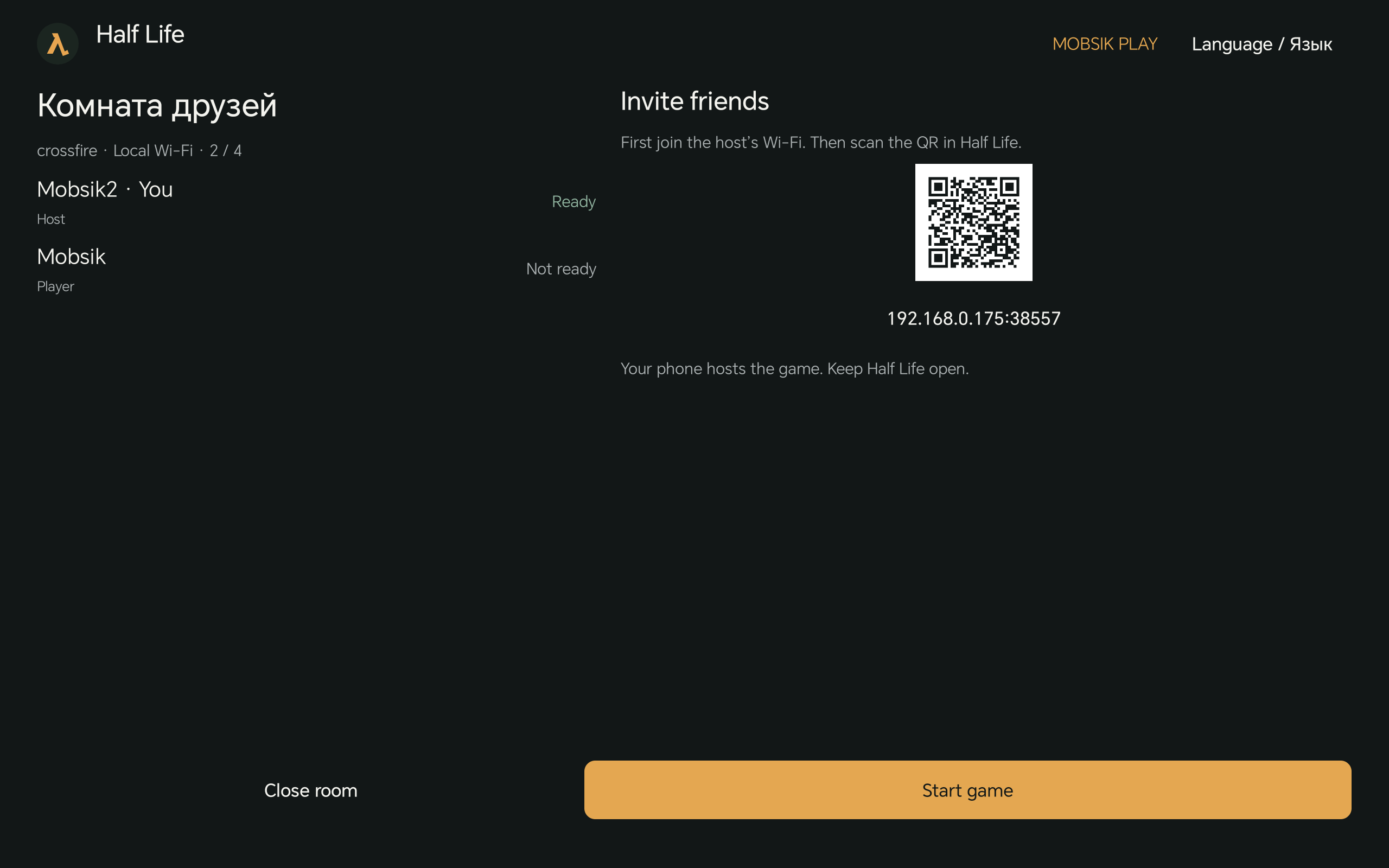
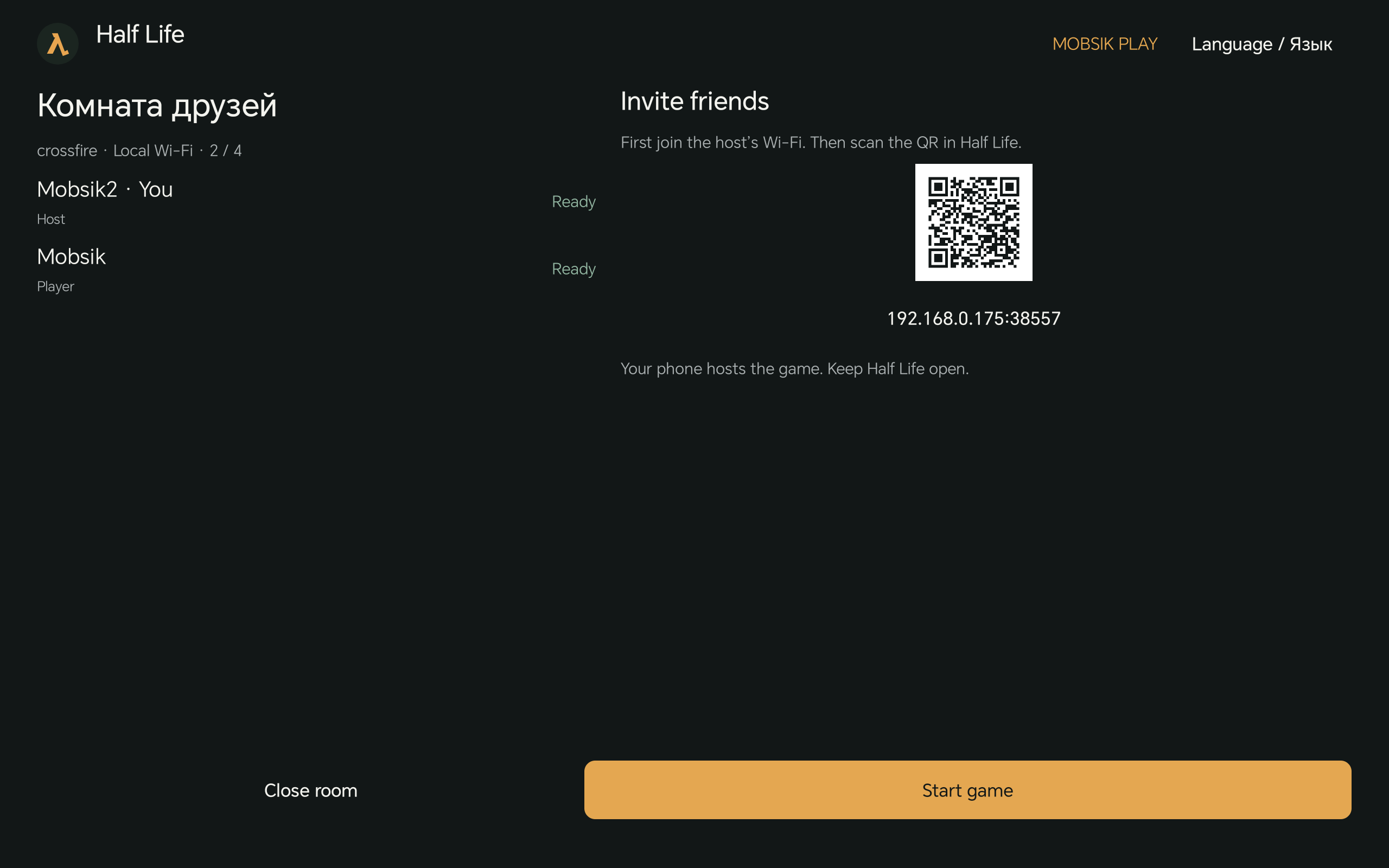
Show your friends the QR
The QR appears in the room. Friends select Scan QR code on the Local Wi-Fi screen. The room QR does not connect a phone to the Wi-Fi network.
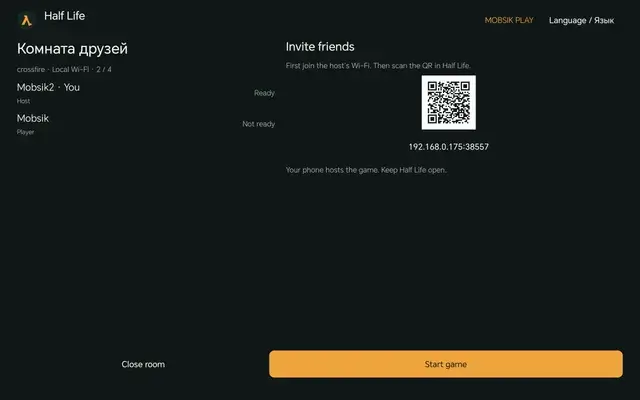 Enlarge screenshot ↗
 - 06
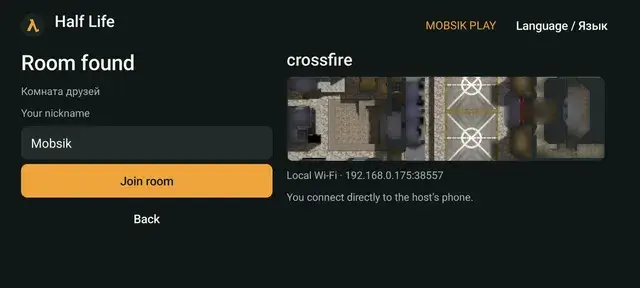
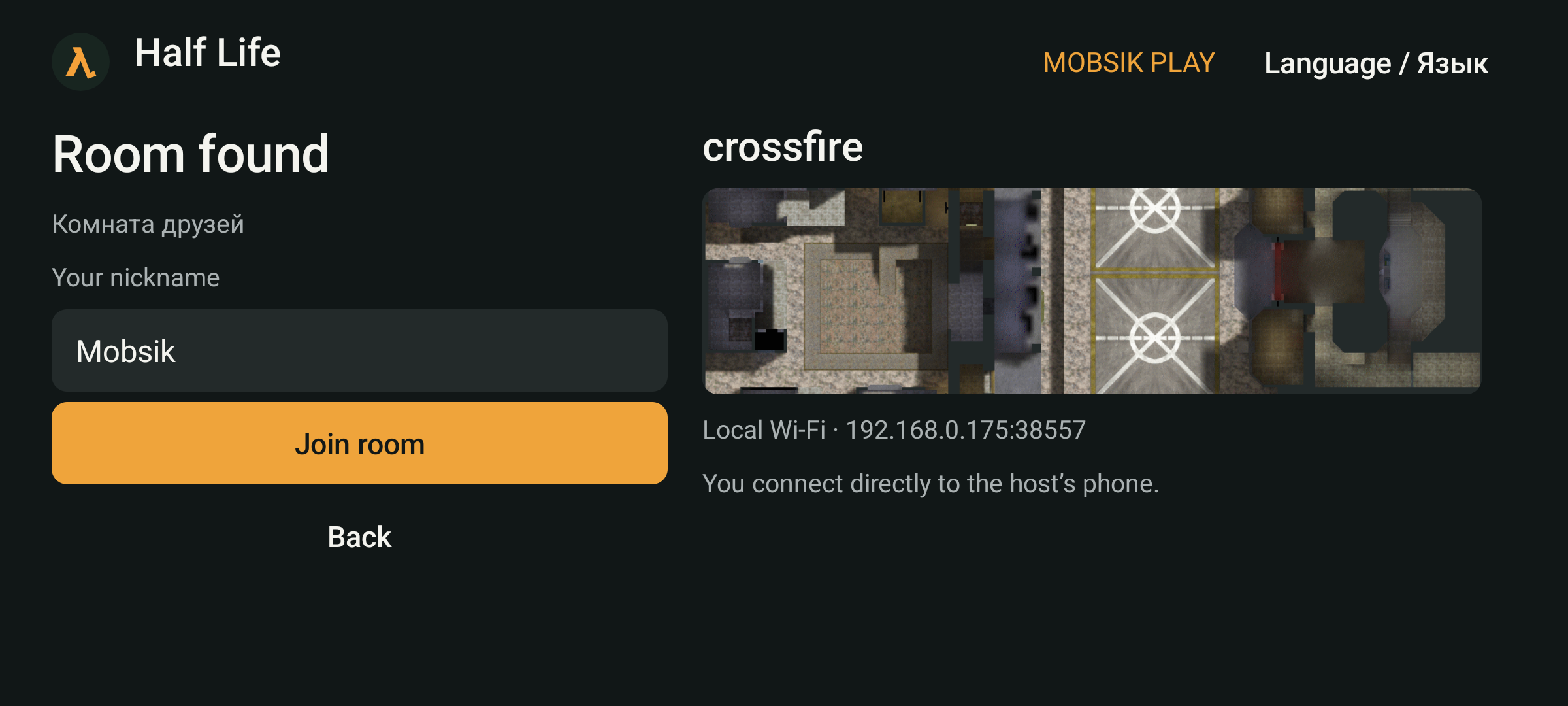
Join the room
You can also select a room under Nearby rooms. On the room found screen, enter a nickname and tap Join room.
 Enlarge screenshot ↗
 - 07
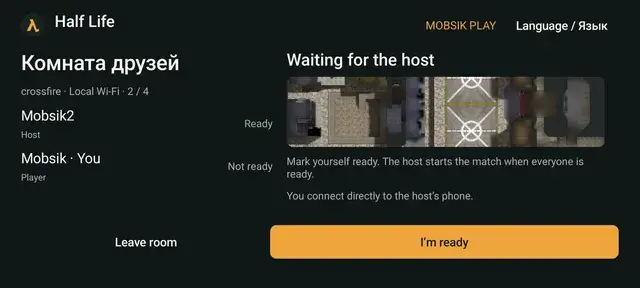
Get ready
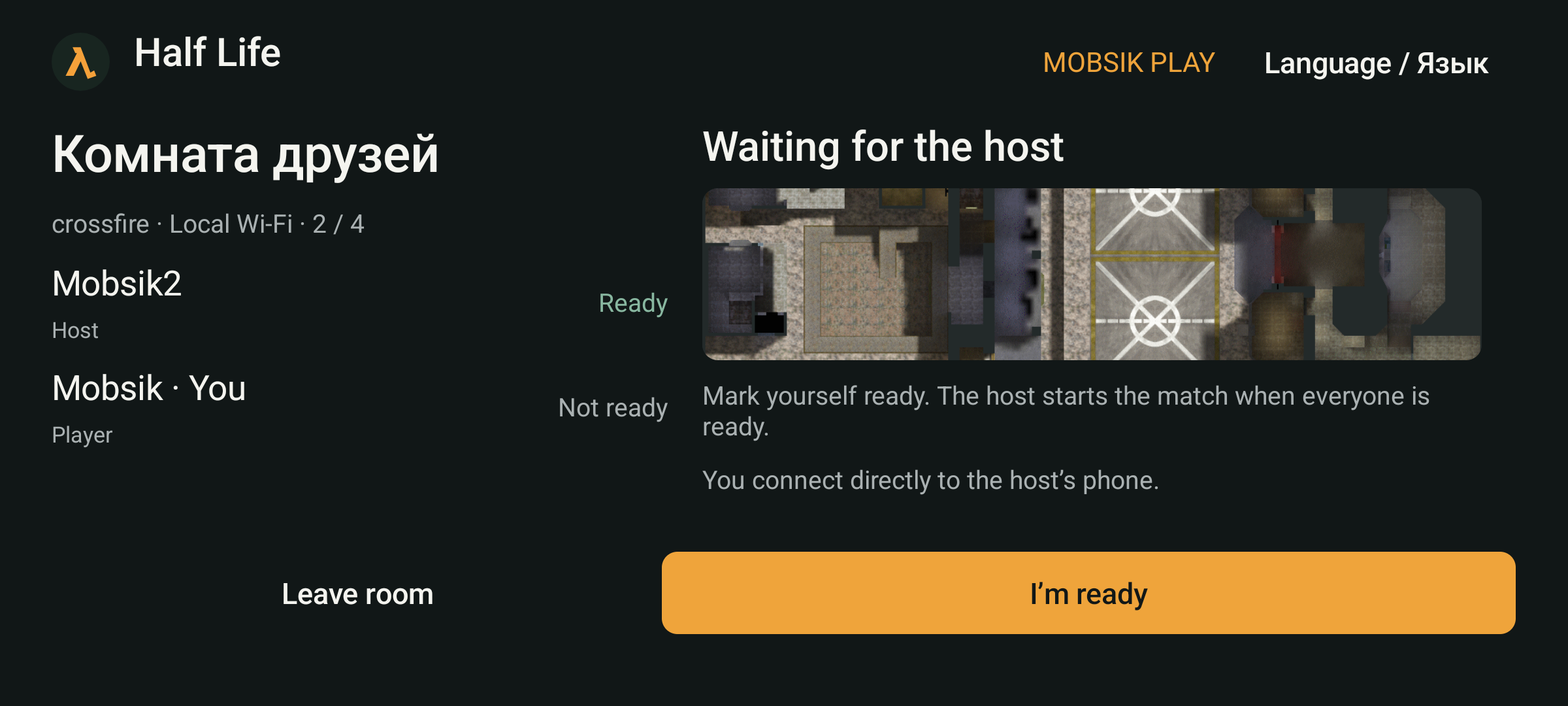
Each guest taps I’m ready. Wait until everyone appears in the room.
 Enlarge screenshot ↗
 - 08
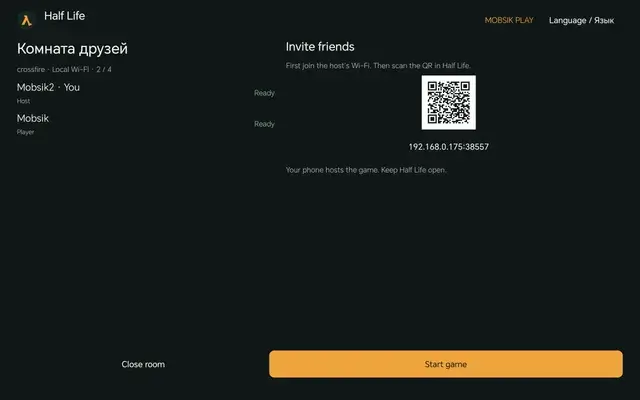
The host starts the game
When everyone is ready, the host taps Start game. Keep Half Life open on the host’s phone.
 Enlarge screenshot ↗
Online2–16 players · Deathmatch
- 01
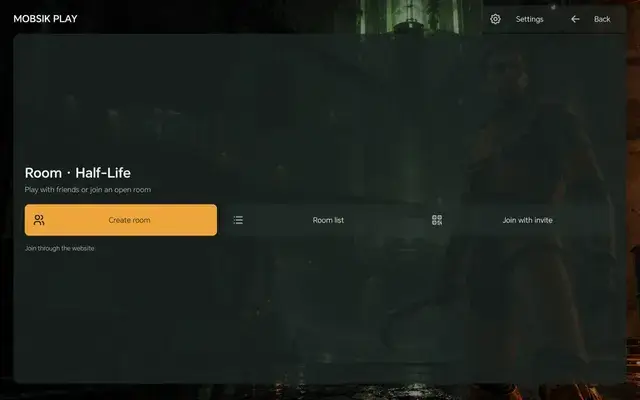
Open online rooms
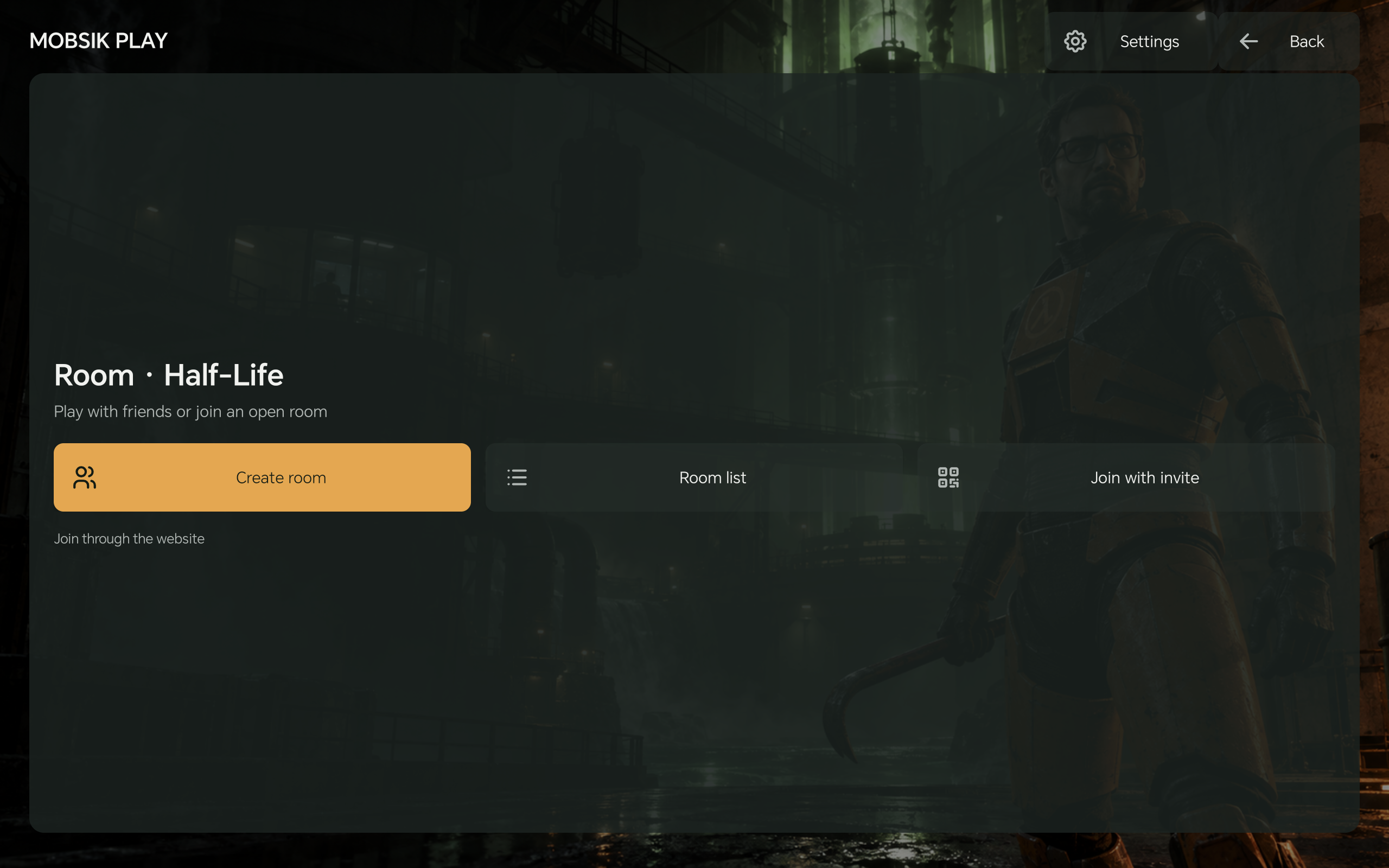
In the app, choose With friends → Online → Online rooms. Tap Create room to open the website.
 Enlarge screenshot ↗
 - 02
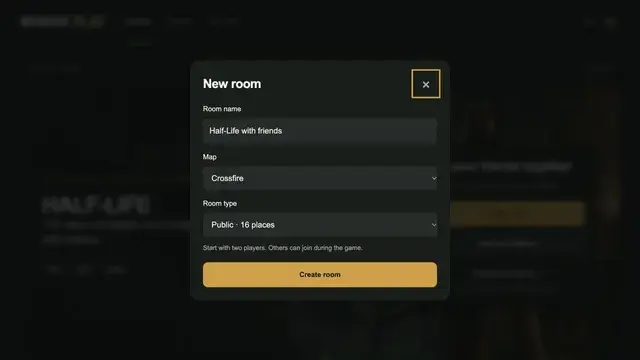
Create a room on the website
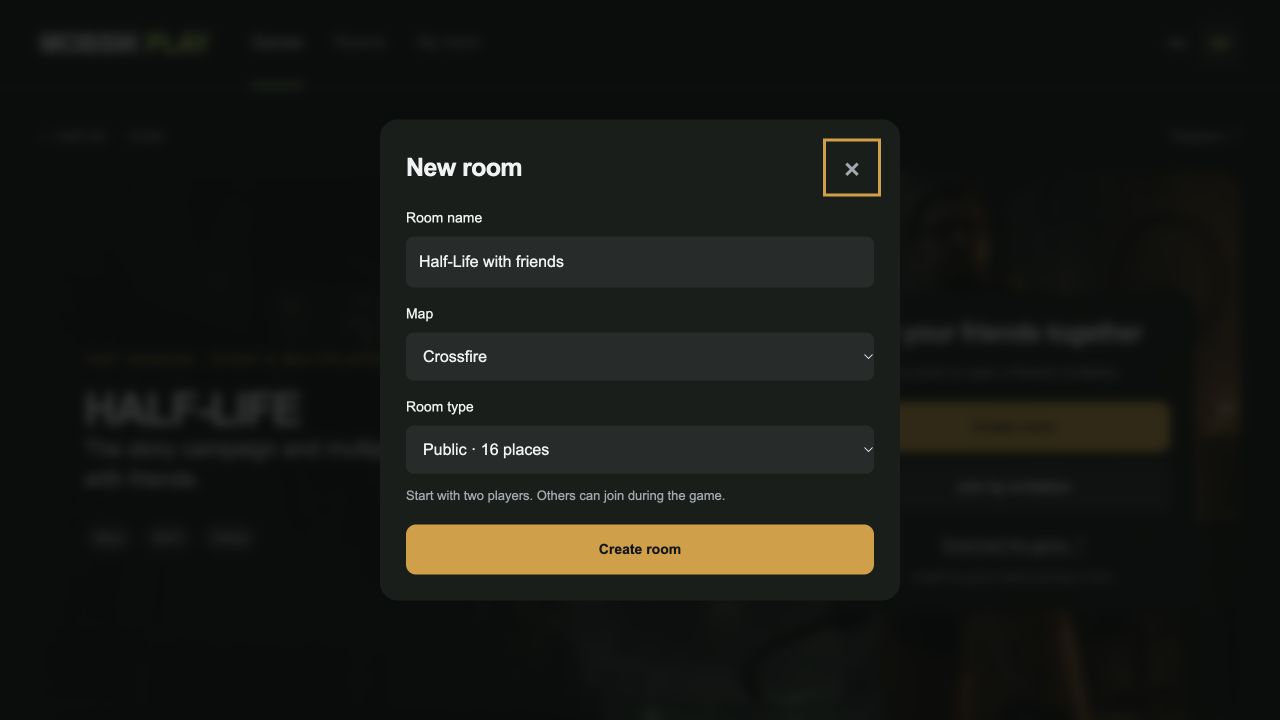
Tap Create room. Choose a name and map. Select a private room if you want a password.
 Enlarge screenshot ↗
 - 03
Share the invitation
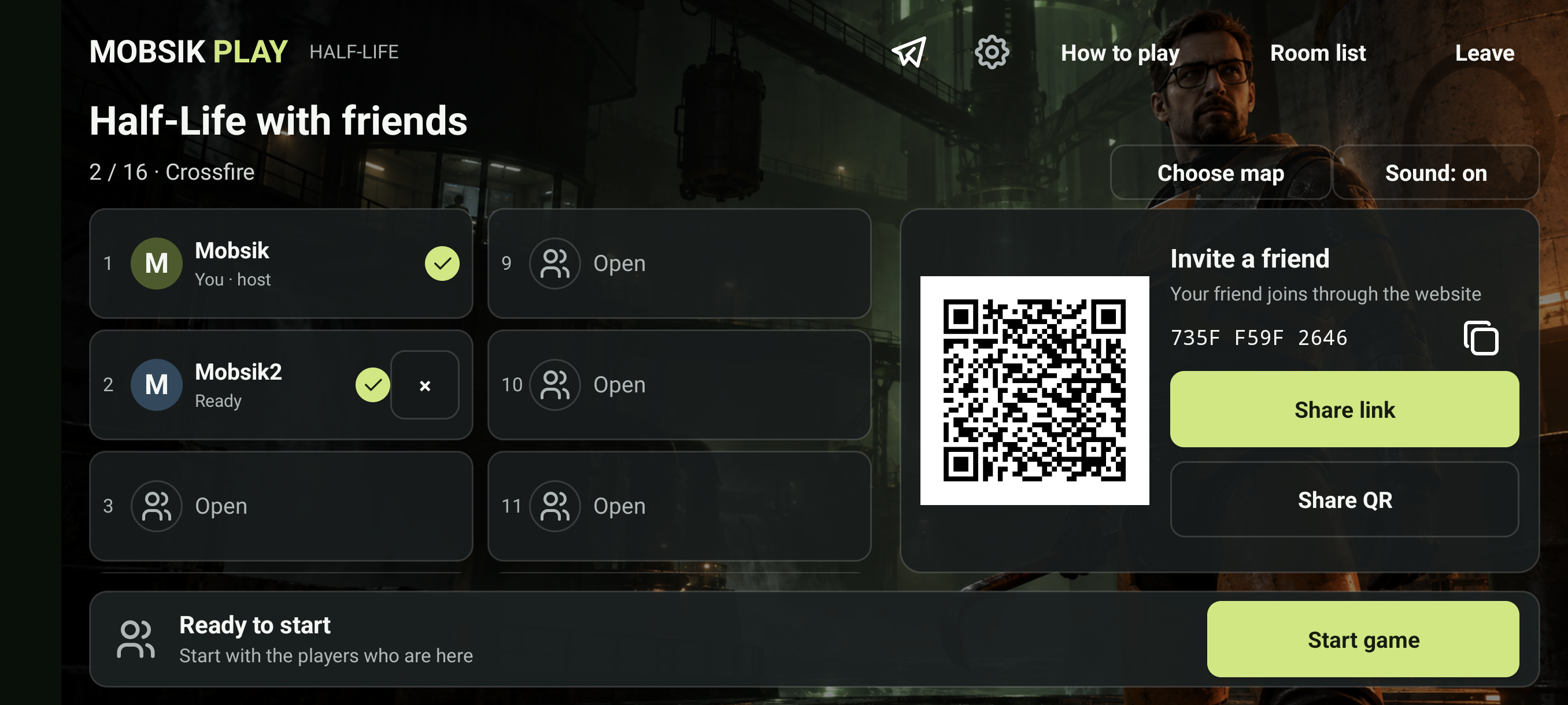
Tap Share link or show your friends the QR. Everyone needs the game installed and an internet connection.
 Enlarge screenshot ↗
 - 04
Confirm your entry
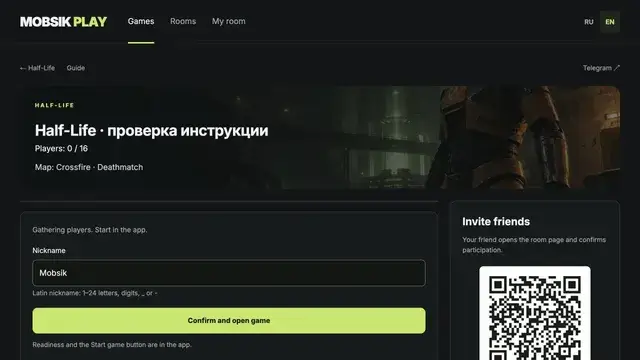
Everyone opens the invitation, enters a Latin nickname and taps Confirm and open game. If the browser asks, allow it to open Half Life.
Enlarge screenshot ↗ - 05
Start the match in the app
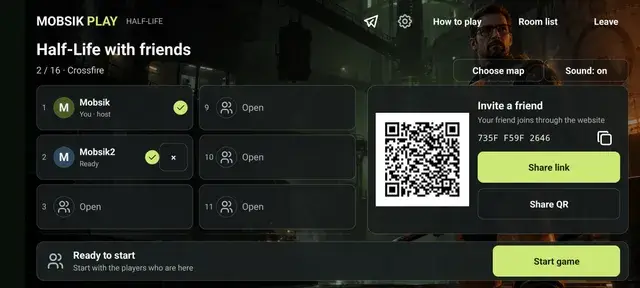
Guests tap I’m ready. Once at least two players are ready, the host taps Start game.
 Enlarge screenshot ↗
Links and QR codes in screenshots are examples. Use your own room’s invitation. Menu language follows your system; change it manually using RU / EN or Language / Язык. Story saves stay on this device only.
If something goes wrong
The app did not open
Make sure Half-Life is installed. Return to the invitation in your browser and choose “Confirm and open game”. Returning players keep their place.
The match will not start
Only the creator can start. At least two players must be connected in the app. Friends still on the website need to confirm and open the game.
The room has closed
Create a new room and share a new invitation. Active matches have no room time limit. An empty room closes after 10 minutes without participants.
Ready to play?
2–16 players · Android · Online multiplayer