01
Install the APK
Open the download page and save the APK. Find it in Downloads, open it and tap “Install”.


Android · 2–4 players
Play with friends over Wi-Fi or the internet.
Deathmatch only: every player for themselves. This build does not include the Half-Life 2 story campaign.
You need the APK and the game files archive. If the game already opens to the main menu, skip to connecting.
Open the download page and save the APK. Find it in Downloads, open it and tap “Install”.
Download the game files archive from the same page. Open HL2DM, tap “Choose ZIP” and select the archive. Wait for the main menu.
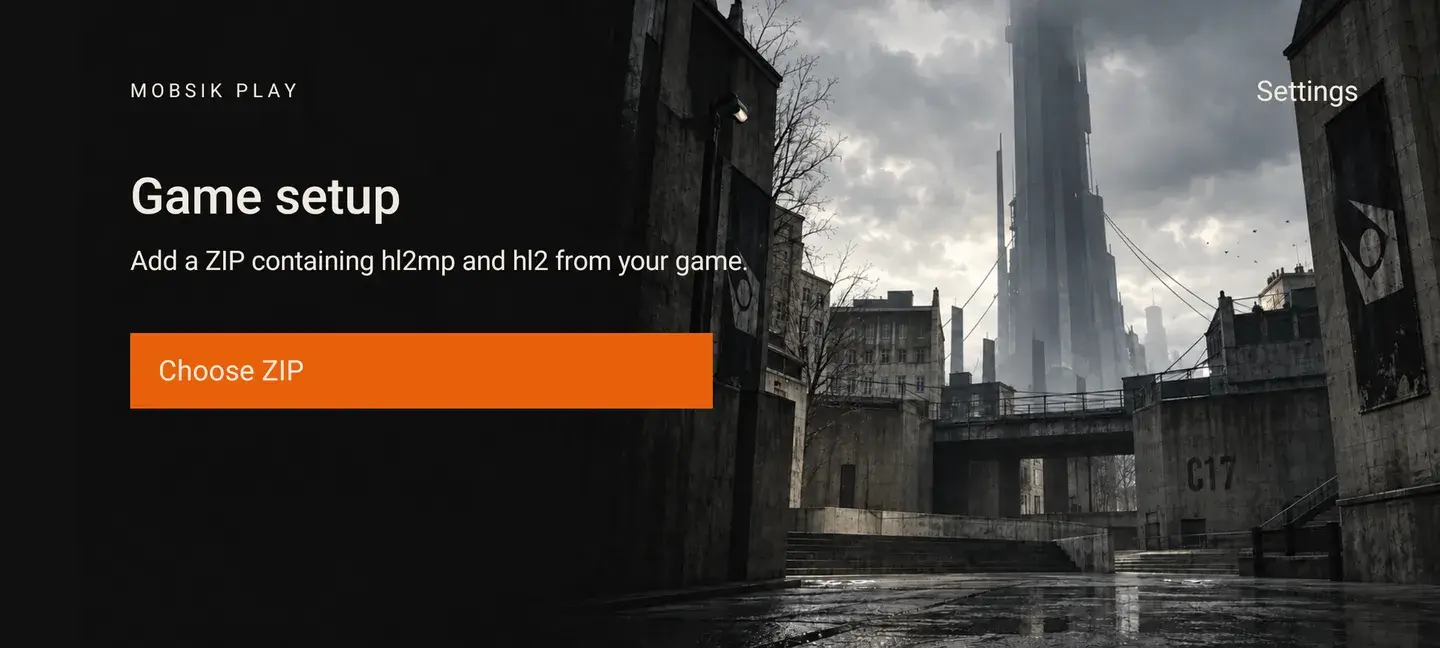
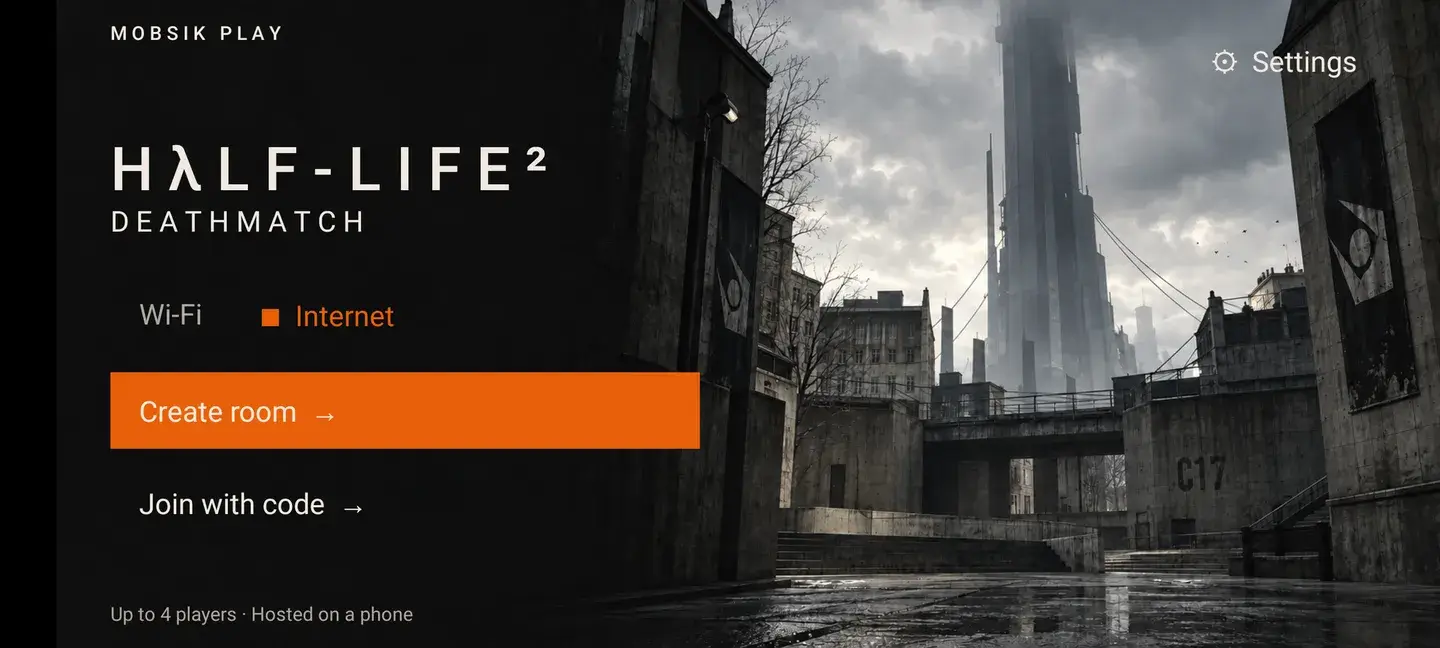
Connect all phones to the same Wi-Fi network. This mode needs no internet after the game files are installed.
Tap “Wi-Fi” in the main menu.
Note the address next to “Your IP”, then tap “Create room”.
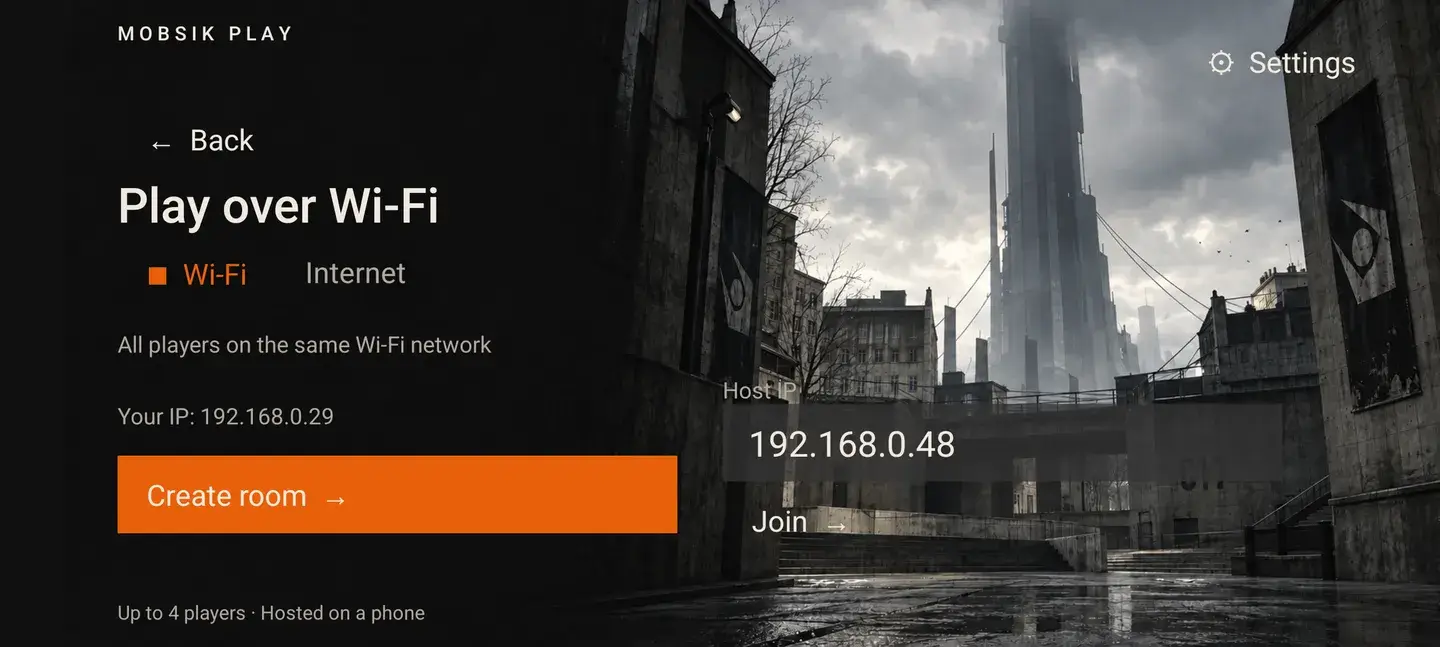
Type the address shown on the host’s phone into “Host IP”.
Tap “Join”. The match starts once the map loads.
When the host leaves, the match ends for everyone.
Create and find rooms on the website. The host’s phone runs the match, so the host must stay in the game.
Select “Internet” in the main menu. Tap “Create room” or “Room catalog” to open the website.
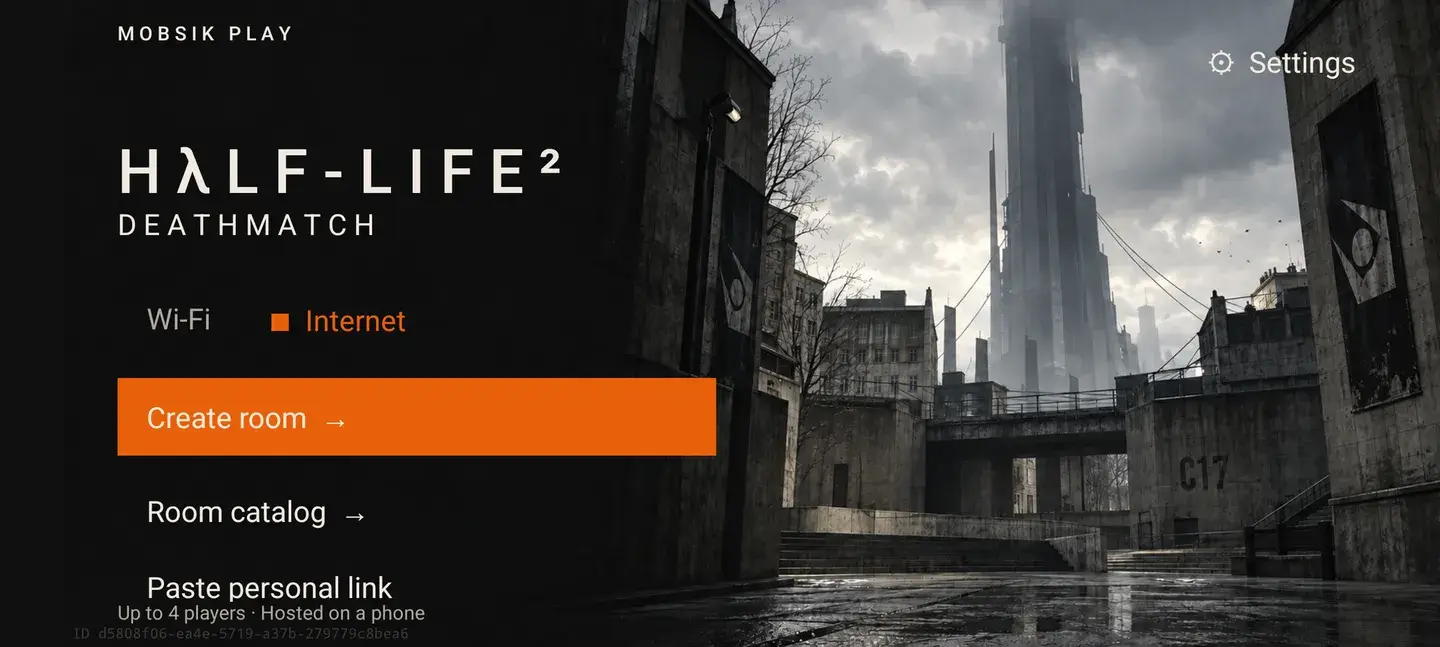
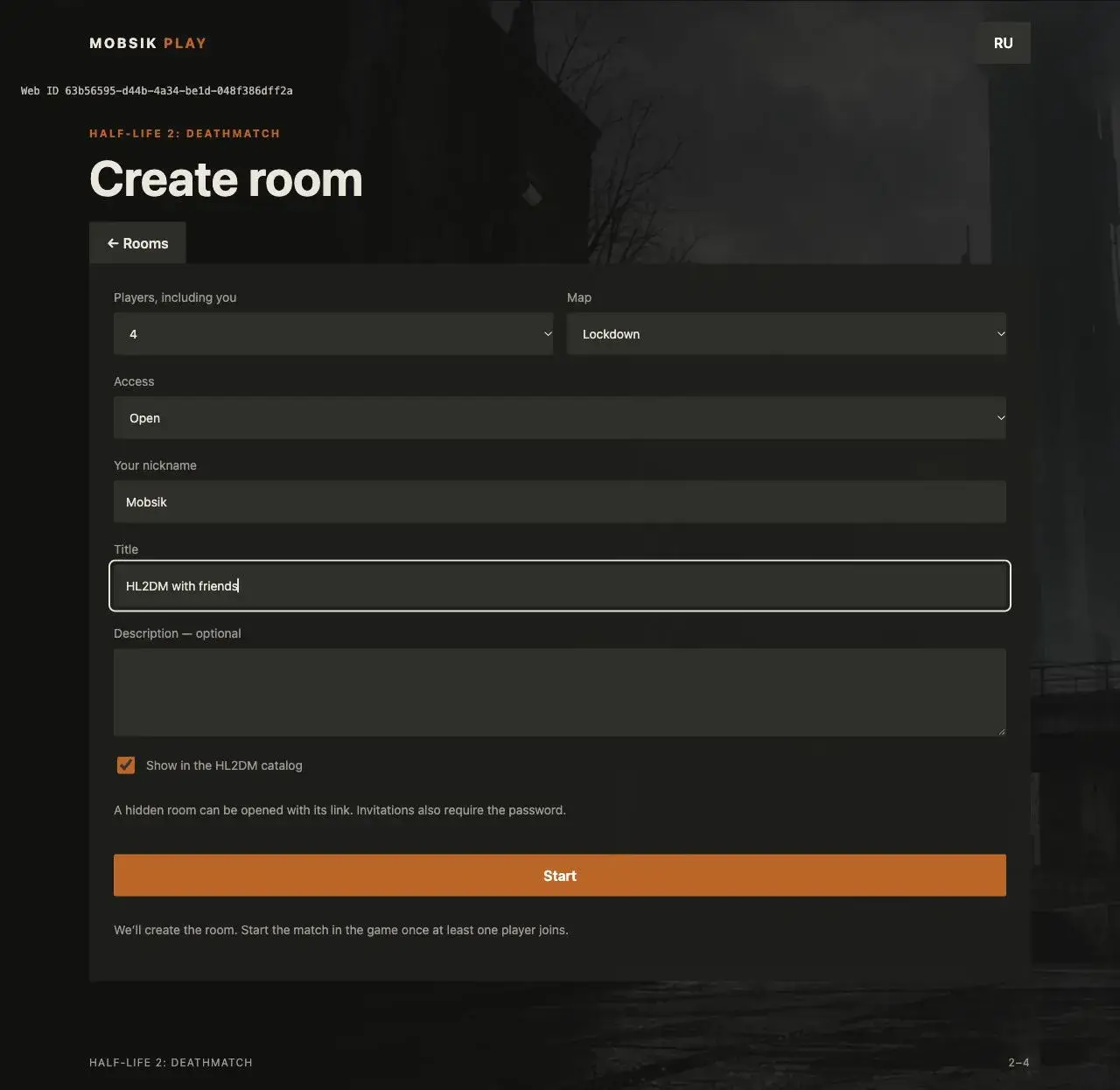
Choose 2, 3 or 4 players and a map. Select open access or set a password. Enter your nickname, a title and a description, then tap “Start”.
On the room page, tap “Open game” and confirm opening HL2DM. Wait for the lobby.
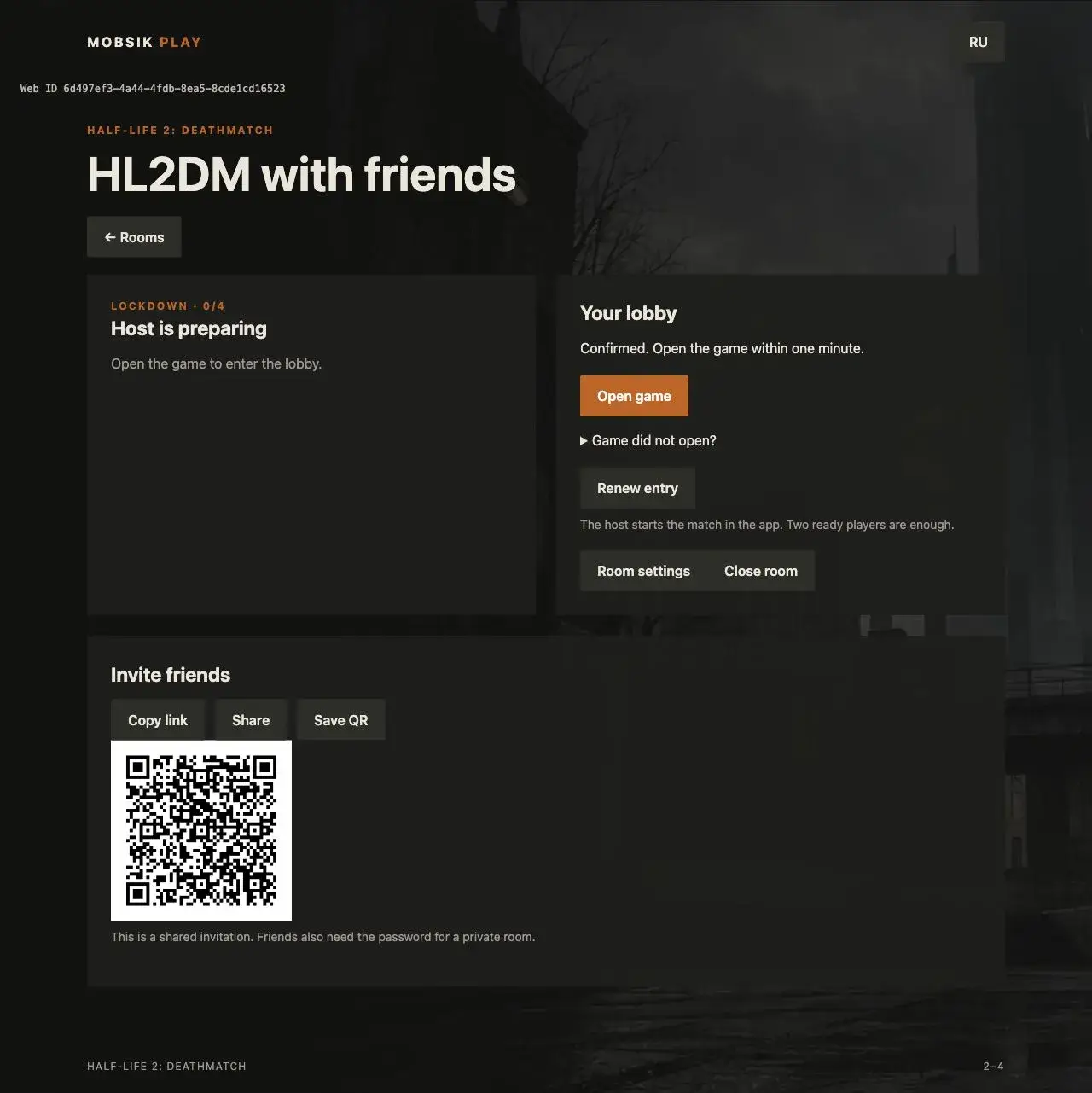
On the room page, tap “Share”, copy the link or save the QR code. For a private room, also send your friends the password.
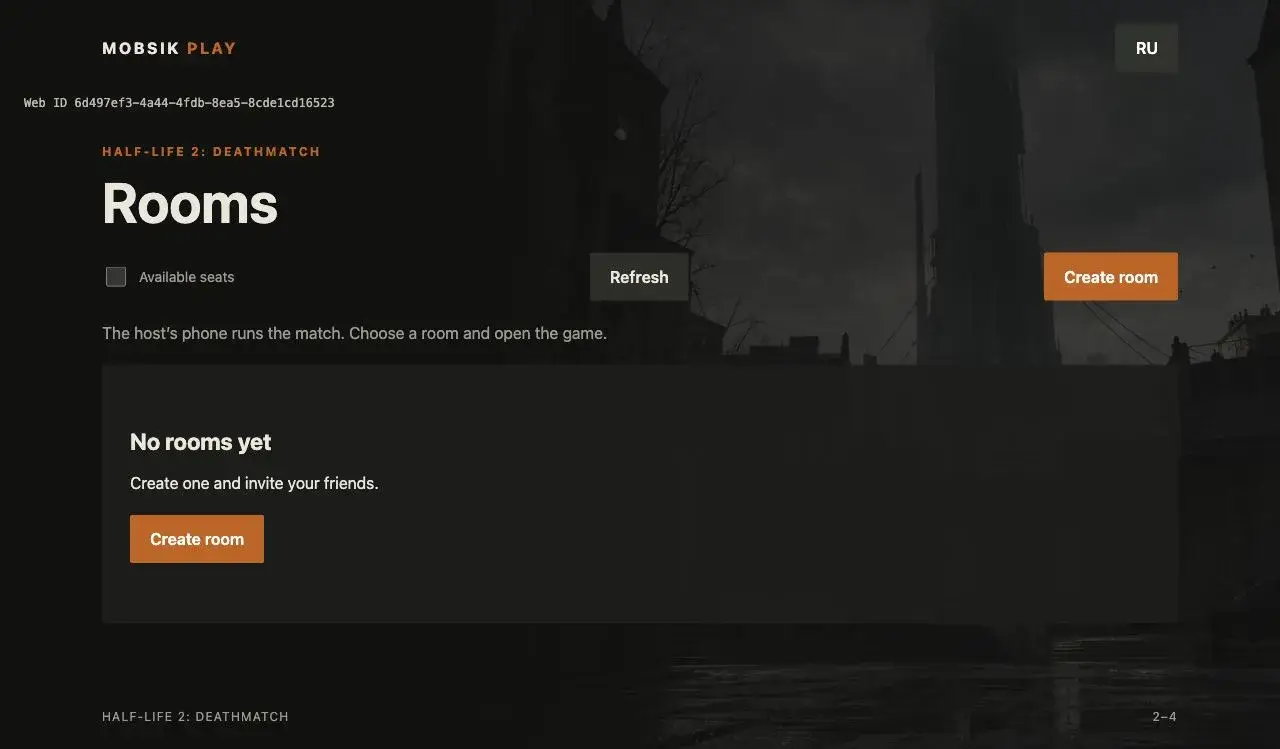
In the game, select “Internet” → “Room catalog”, or open an invitation. Choose a room. If none are available, you can create your own.
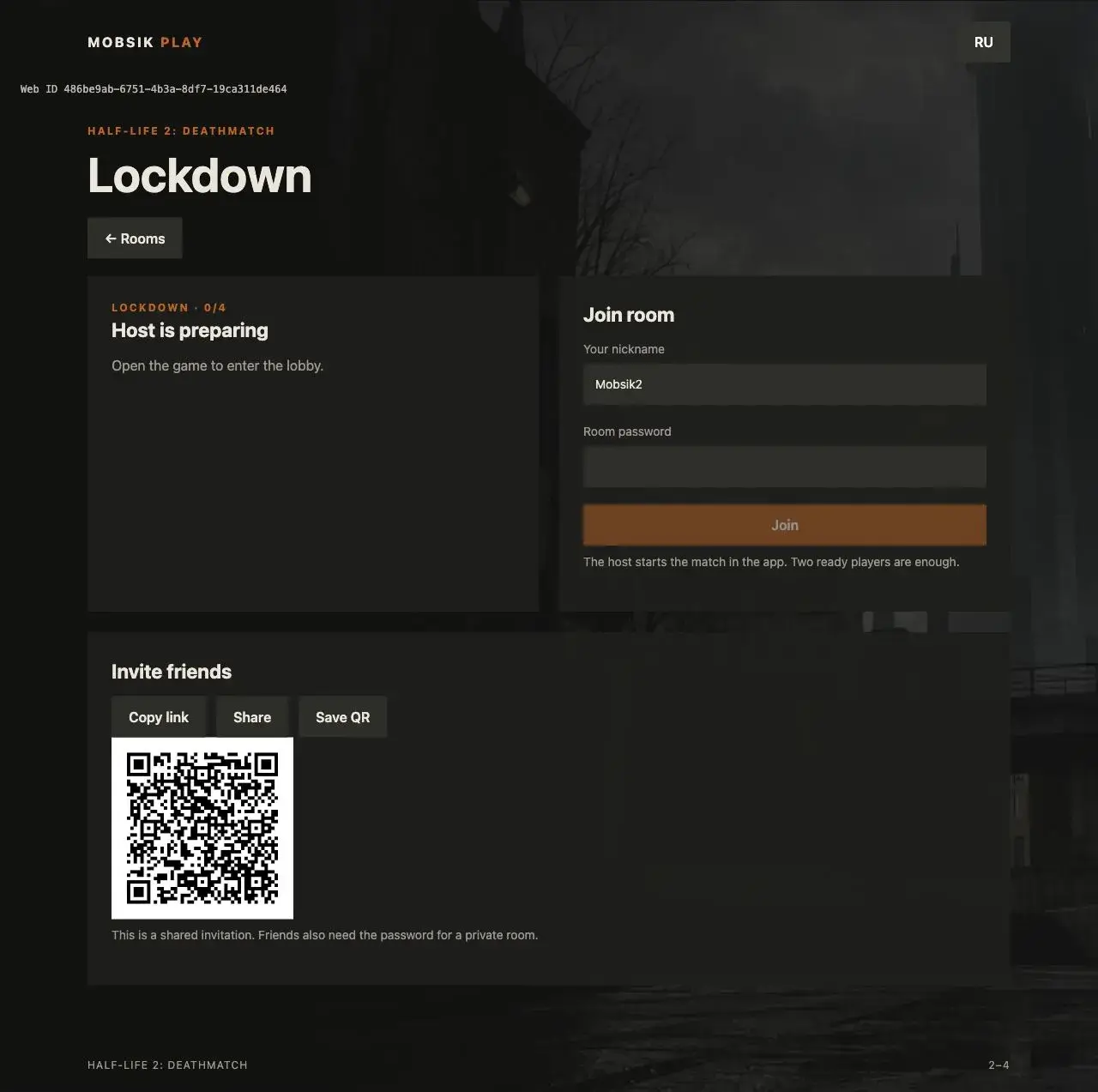
Enter a nickname different from the other players. Enter the password if the room is private. Tap “Join”, then “Open game”.
Once at least two players are ready in the lobby, tap “Start match”. You do not need to fill every slot.
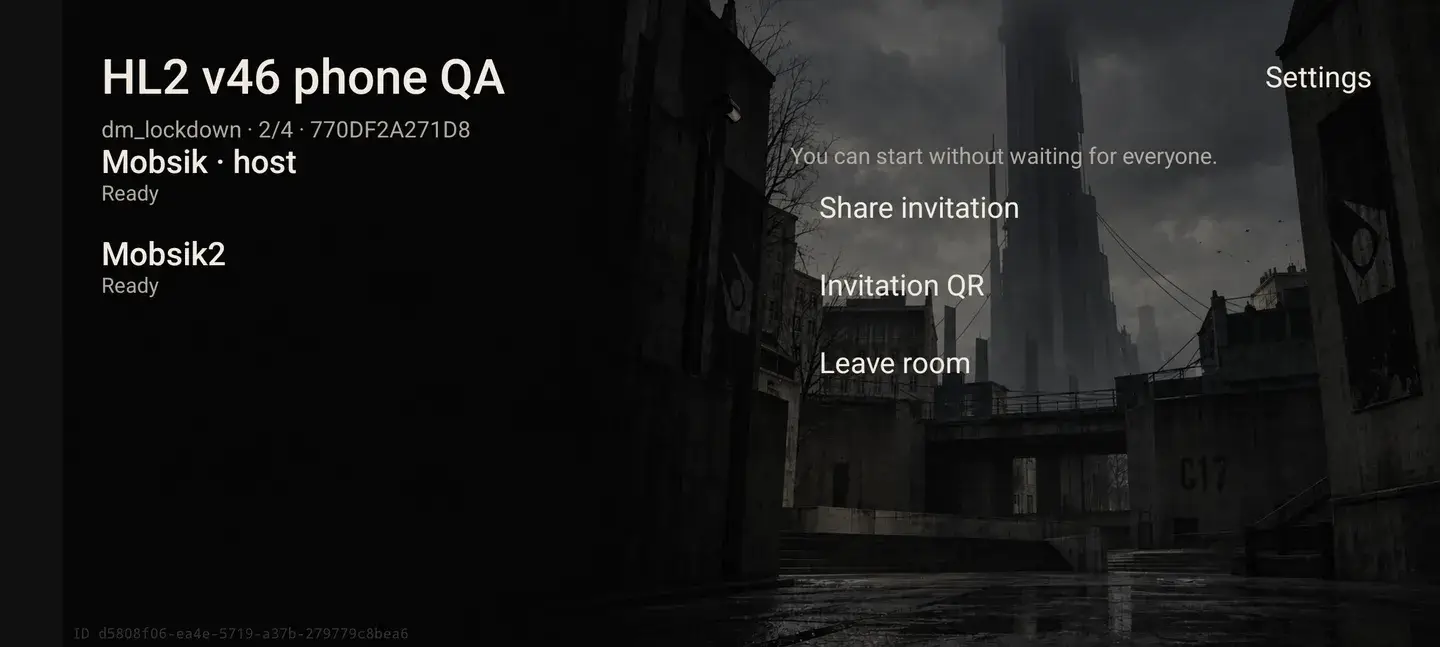
When the host leaves, the match ends for everyone.
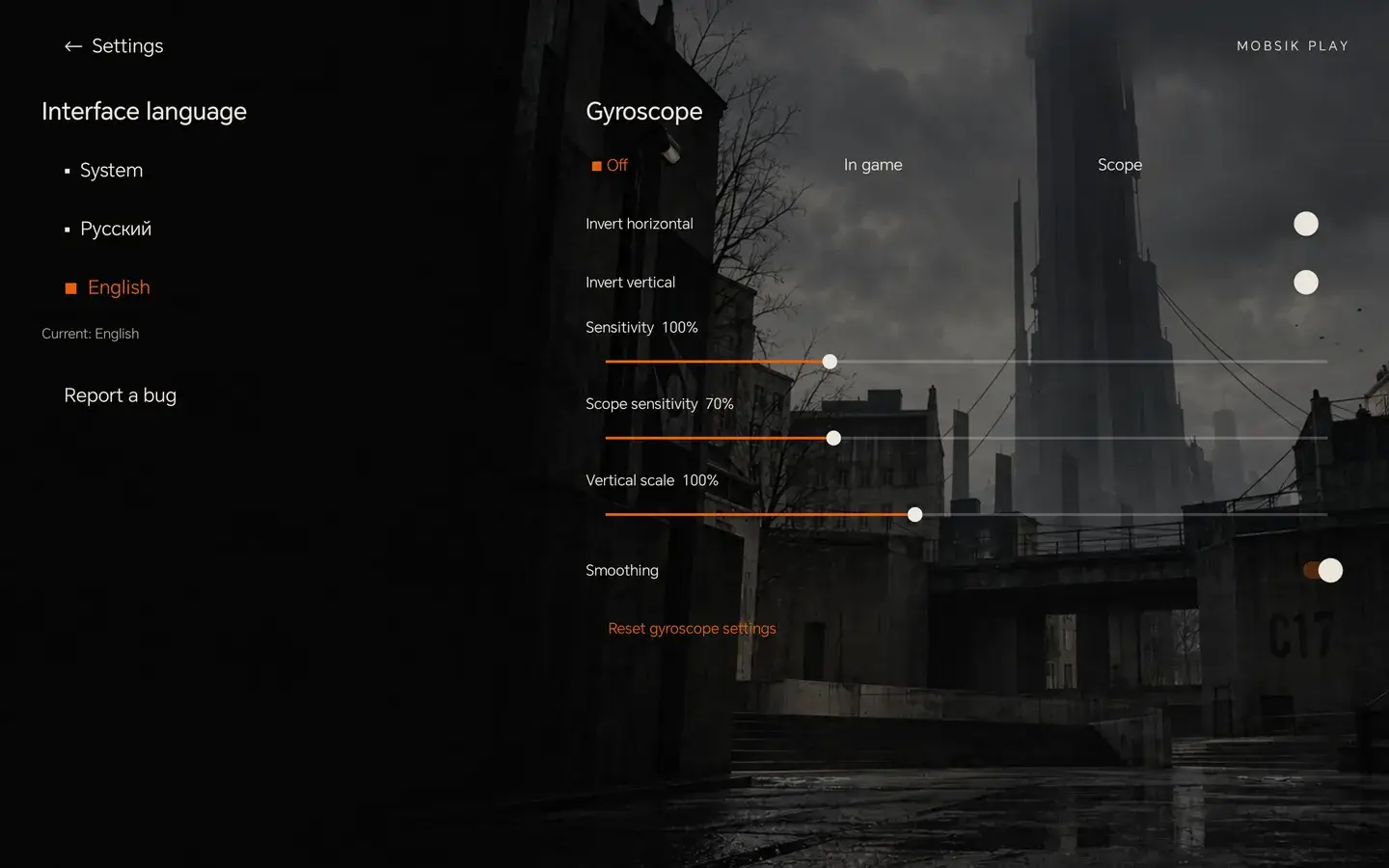
Open “Settings”. Choose System, Russian or English. You can also enable the gyroscope and adjust horizontal and vertical inversion here.
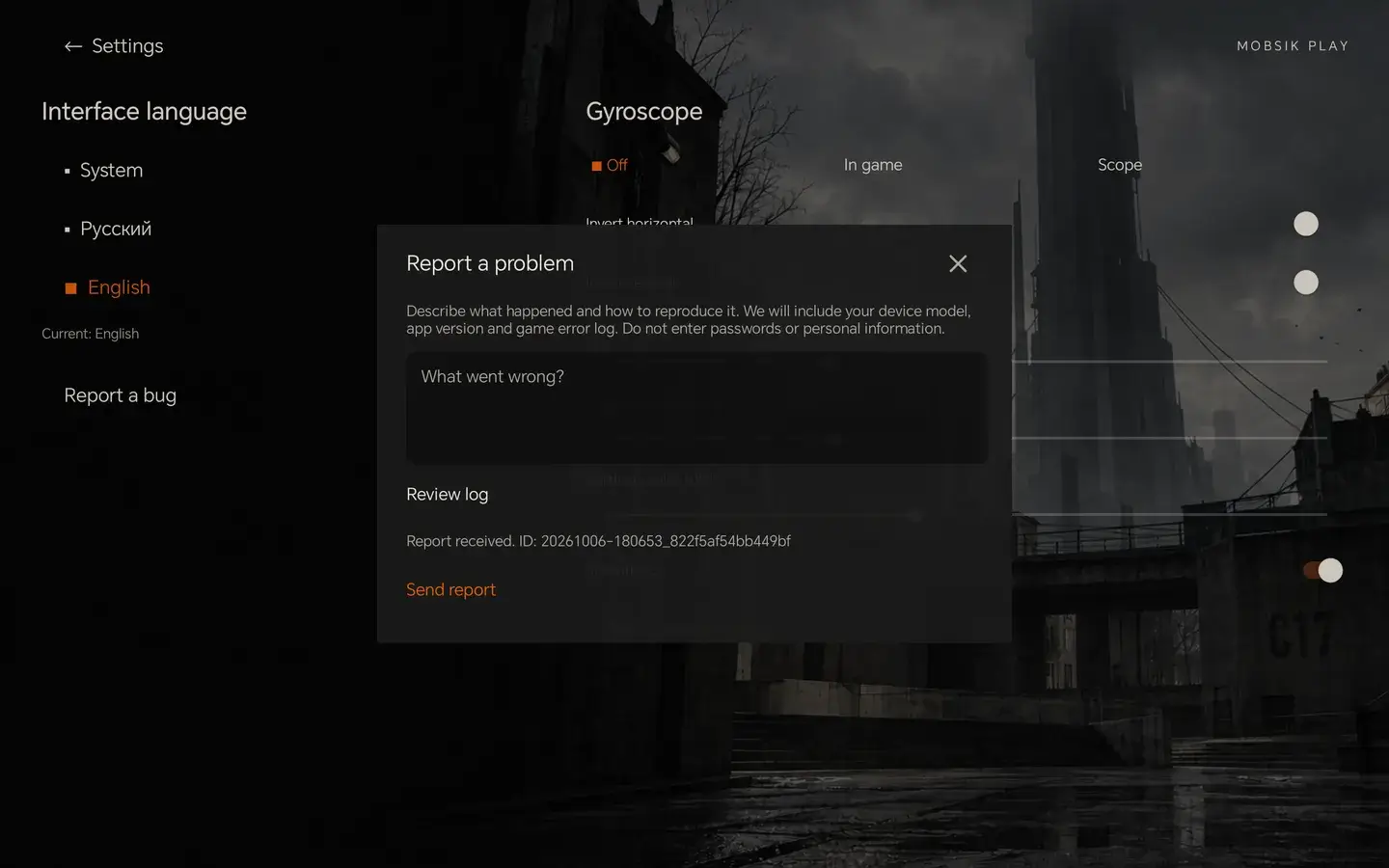
Open “Settings” → “Report a bug”. Describe the problem and tap “Send report”. A report number appears once it is accepted.
No. This build only offers multiplayer Deathmatch: players fight each other.
Check that both phones are on the same network and the host’s address is correct. Guest Wi-Fi networks may block connections between devices.
Make sure the host is in the game and the room is still open. If entry expires, tap “Renew entry” on the website. If the phones cannot connect, try another network or Wi-Fi mode.
Drag on the left side of the screen to move. Drag on the right side to turn the camera.
Normal connections do not require manual router setup. If your network cannot connect the phones, try another network or Wi-Fi mode.
Without a connection, the report stays on your phone and is sent later. Check its status in the same form.
Choose another nickname: each player in a room needs a different one. Use Latin letters, numbers, a hyphen or an underscore.
Wait for the host to open the game. The room must also have an available seat.