Create a room
Enter your name and share the public link or QR. Add an optional password.
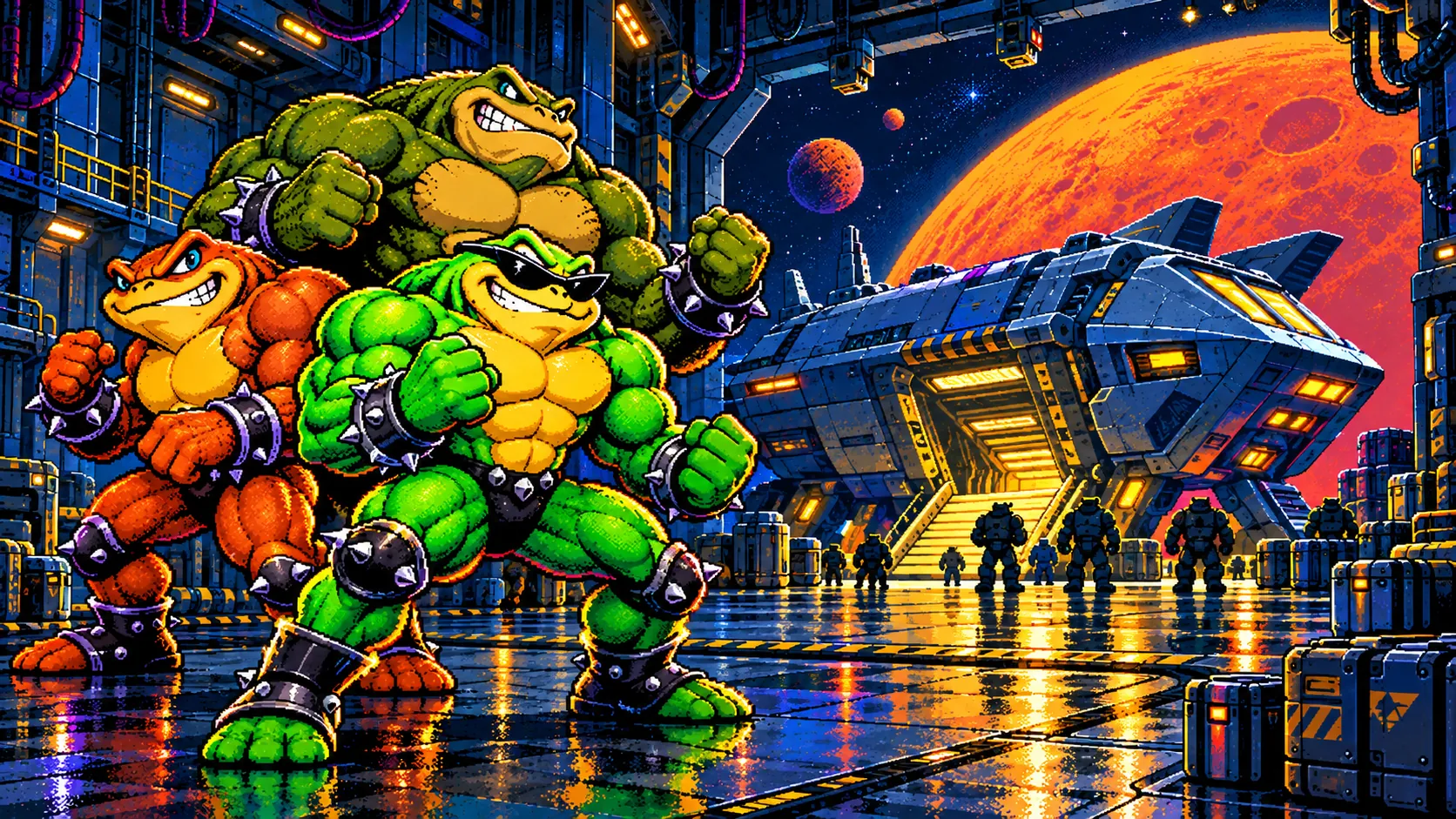
CO-OP CAMPAIGN · 2 PLAYERS
Two players.
One wild ride.
Battle toads, a shared screen and a wild campaign. Move, jump and attack together.
Create a room and invite a friend. Each player receives their own app entry; a public link alone does not grant admission.
Pilot version. Both players need the same app version. The store page is being prepared.
BATTLETOADS · ANDROID
Enter your name and share the public link or QR. Add an optional password.
Each player enters through the website and selects Open game. The room password stays out of the invitation.
Both select Ready in the app. The host starts the co-op campaign.
In the app: With a friend → Nearby Wi-Fi. The host creates a network and room or uses a shared router. Join through discovery, QR or address. Confirm readiness and start the game. This mode does not need the website.
Select Single player. A jumps, B attacks. Double-tap a direction and hold it to run. Movement, attacks and jumps work together.
NES CLASSIC
Classic Battletoads appearance and rules. The app currently offers one verified appearance: Classic.

Loading rooms…
The same Battletoads MOBSIK PLAY build on both Android devices. Its public game store page is still being prepared. Download Battletoads ↗
MOBSIK PLAY allows two active rooms in total across all games. Close an unused room in My room, then try creating again.
Co-op waits for the paused player. Press Continue after returning. If the connection is lost, return to the room and start a new run.