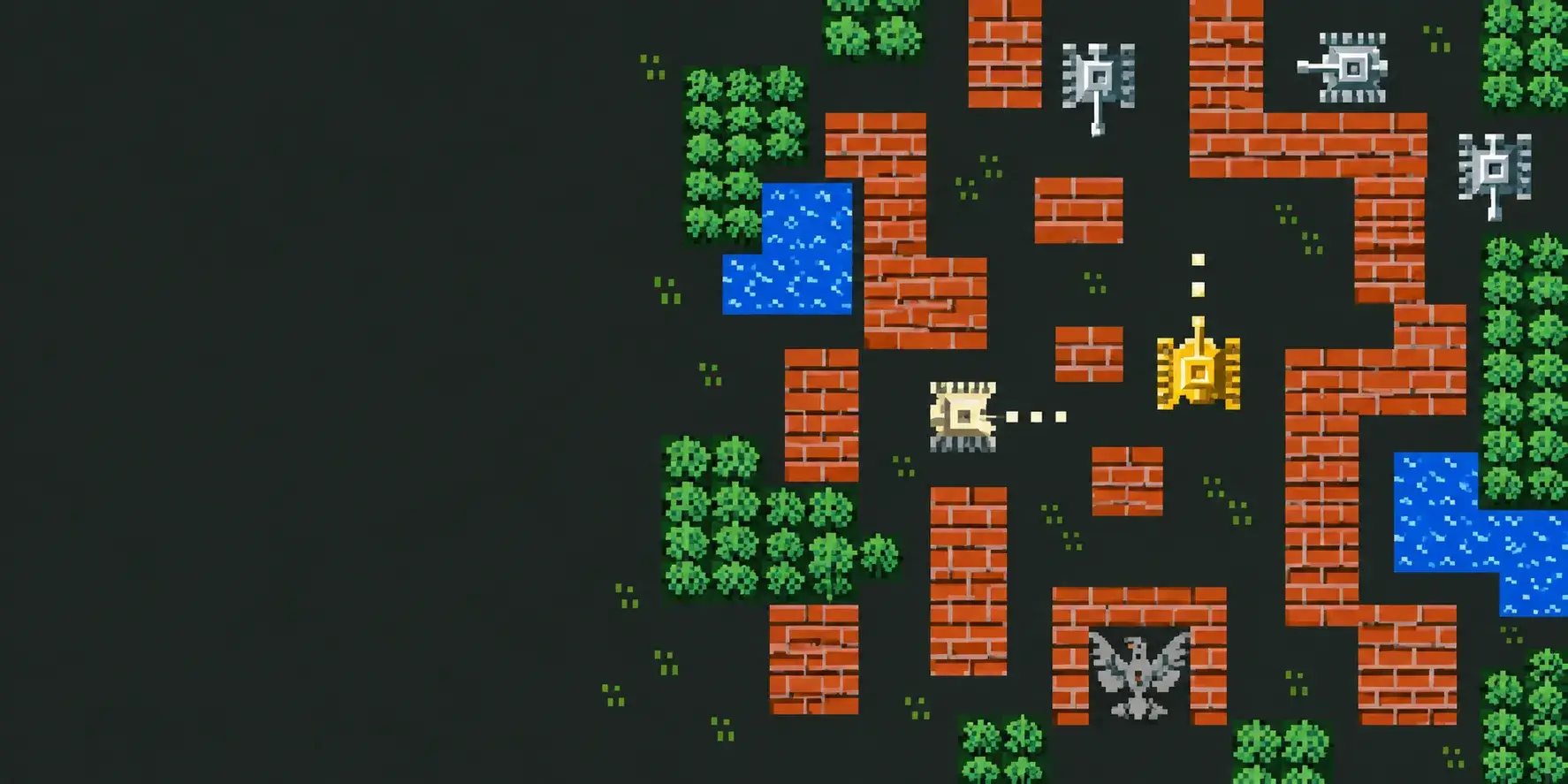
TWO TANKS. ONE BASE.
BATTLE
CITY
Cover your friend. Defend the eagle. Take on the familiar brick mazes together.
Bring a teammate
A room on the website. A battle on your phones.
Create roomJoin by invitationBrowse rooms →Beta 0.5.0. Play solo, nearby over Wi-Fi without Internet, or together online.
BATTLE CITY · MOBSIK PLAY
How to play over the Internet
- 01
Install the same version
Download the APK on both Androids. Solo play works offline.
- 02
Create a room
Choose an open room or a password. You can hide it from the catalog.
- 03
Invite your friend
Share the public link or QR. Each player confirms their own entry on the website and selects Open game.
- 04
Start together
The host starts once both are ready. Move on the left, fire on the right: hold the red button for continuous fire.
Install game
Battle City · MOBSIK PLAY 0.5.0 beta. Android 9 or later. Download the game and follow updates on its store page.
Download from the storeHow do we play nearby without Internet?
Install version 0.5.0 or later on both phones and connect them to the same Wi-Fi network. In the game: With a friend → Nearby over Wi-Fi. One player creates a room, the other taps Find and selects it. QR and manual address entry are available. The host starts once both are ready. This mode does not need the website. Without a router, manually enable a hotspot on one phone and connect the other.
What does 2 players do in the game menu?
Opens the Wi-Fi or Internet choice. Wi-Fi rooms are created inside the game; Internet rooms use the website. Each player uses their own phone.
Why can’t I create a third room?
For Internet rooms, the shared limit is two active rooms across all MOBSIK PLAY games. Close an unused room under My room.