
GTA San Andreas
Return to Los Santos. Get your friends into a room and open the game on Android.
Each phone needs the test build to join online rooms.
Open rooms
Browse roomsFrom room to game
Online on Android- Create a room
Choose a room size and visibility. Use an invite-only room to play with friends.
- Invite friends
Share the link from your lobby or show its QR code.
- Open the game
Select “Open game” in the lobby. Each player chooses a character in the launcher.
On the streets of Los Santos
In-game screenshots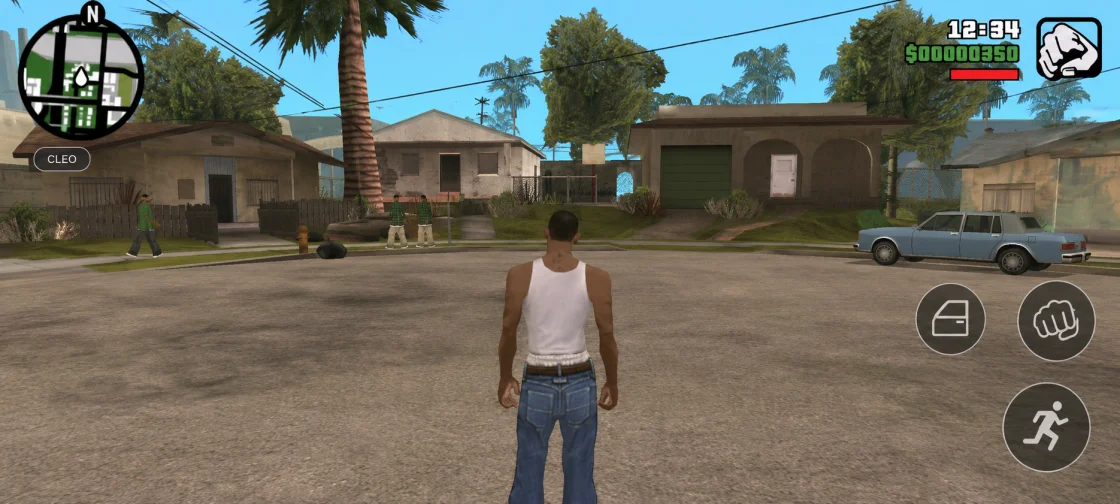
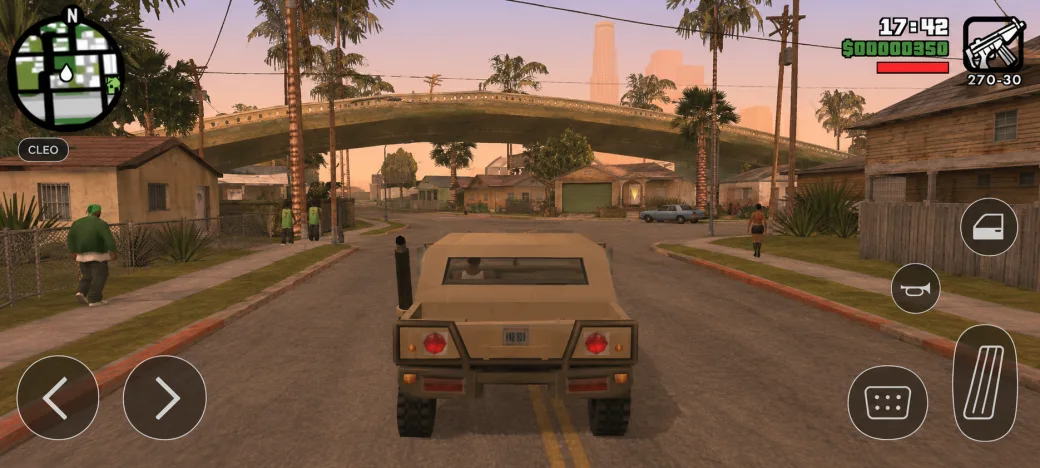
Other ways to play
Nearby Wi-Fi
Connect to the same network. The host creates a match in the launcher. Your friend can find it in the list or enter its code.
Single player
Select “Single player” in the launcher.
Before you start
Where do I get the test build?
Open the game’s store page using the download button above.
How many people can play together?
A standard room is for two players. Everyone needs a compatible test build to play in a 3-4 player room.
What if the invitation stops working?
Ask the host for a link from an active room.
How do I choose and control my character?
Choose a character in the launcher before you start. Your choice lasts for the match. Use the left stick to move and the right side of the screen to look around.
What should I select in the game menu?
When the game loads, select “New Game” or continue a save.